
I need to use the new version of NetworkManager on ubuntu 12.04. I've installed NetworkManager-1.0.6 from source code, from gnome Projects web site (And allot of it's dependencies).
After installation,
I tried to run:
$ nmcli connection Error: NetworkManager is not running. then I tried:
$ service network-manager start start: Rejected send message, 1 matched rules; type="method_call", sender=":1.156" (uid=1000 pid=9473 comm="start network-manager ") interface="com.ubuntu.Upstart0_6.Job" member="Start" error name=" (unset)" requested_reply="0" destination="com.ubuntu.Upstart" (uid=0 pid=1 comm="/sbin/init") $ service network-manager status network-manager stop/waiting As root it appears that the network-manager start running but it's still stays in the same status:
$ sudo service network-manager start network-manager start/running, process 9975 $ sudo service network-manager status network-manager stop/waiting What can I check ? How can I make it work ? Should I install/update the network-manager in a different way?
3 Answers
Open your terminal, type:
sudo /etc/init.d/network-manager start First, you cannot run launch a daemon without root access using Upstart (the init daemon of Ubuntu). Moreover, the network-manager program needs root access as its goal is to allow regular user access to the network (which is restricted to root user in most Unix systems).
As for your problem, you need to find out where the problem come from. You can try to have a look in the logs (/var/log/messages or /var/log/messages.log on Ubuntu 12.04). Another option is to launch the application and see the error message, by running directly network-manager daemon from your shell:
sudo /usr/bin/NetworkManager --no-daemon Also, did you remove the ubuntu network-manager package before installing from source? And how did you install it from source?
If the issue on your system (tested on Ubuntu 20.04) is like this:
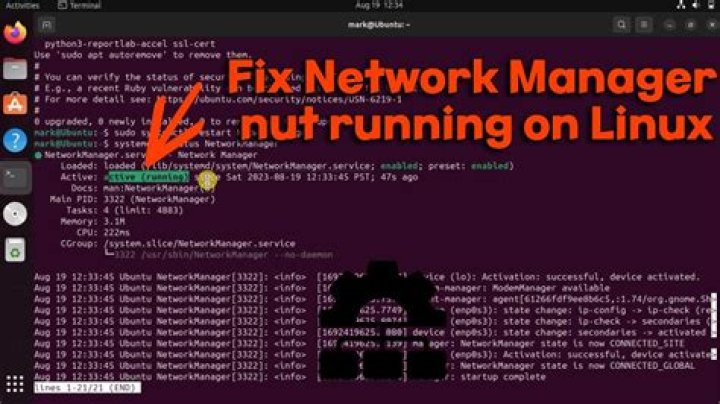
$ sudo systemctl status NetworkManager - NetworkManager.service - Loaded: masked (Reason: Unit NetworkManager.service is masked.) - Active: inactive (dead) Try the below steps:
$ sudo systemctl unmask NetworkManager.service - Removed `/etc/systemd/system/NetworkManager.service`. The below command will help you to connect to the internet using ethernet:
$ sudo dhclient <your_ethernet_device> - ethernet device can be found using the `ifconfig -a` - It will take a few minutes for the command to finish. Now run the below command to reinstall network manager
$ sudo apt-get install network-manager And now you can see your WiFi and ethernet back.




