
I've set up sharing for a folder called 'shared'. In the Network view in file explorer my computer is visible by it's network ID. If I click on it I can see the shared folder. If I open \\PC1\shared, it says "network path not found". If I open \\127.0.0.1\shared it enters the folder, no probs. 'net view' says nothing, but 'net view \\PC1' shows the shared folder. Adding Everyone to security tab does nothing, after removing the dialog however fails with also "path not found". I am on private network. I'm on Windows 10. File and printer sharing is enabled. Toggling firewall doesn't seem to change anything. Might someone have an idea what else could be wrong?
1 Answer
On the Windows 10 computer with the shared drive (let's call this computer MAIN):
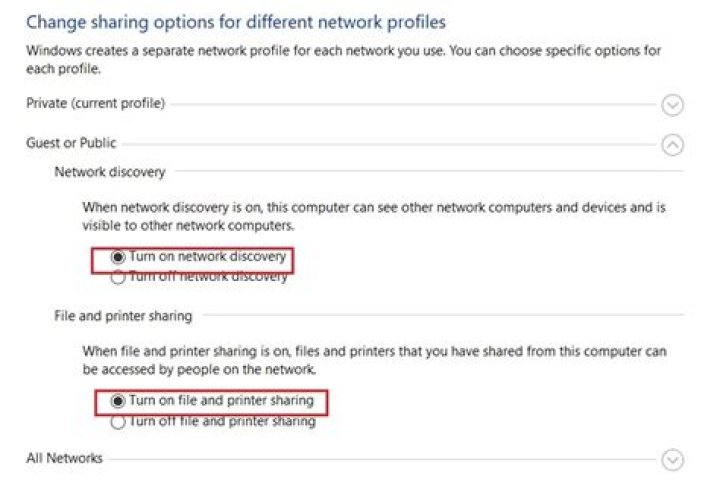
Make sure Network Discovery, File and Print Sharing, and Password Protected sharing are all ON. Restart if you make changes.
On another computer, open a command prompt. Type:
NET USE Z: \MAIN\SharedFolder and authenticate.
If you have a small network and no internal DNS Setup, use:
NET USE Z: \IPaddressofMAIN\SharedFolder and authenticate.
What numerical error do you get.
You may need to setup a Windows User account and then use this user to provide credentials for the Shared Folder. This can make folder sharing very easy.
2