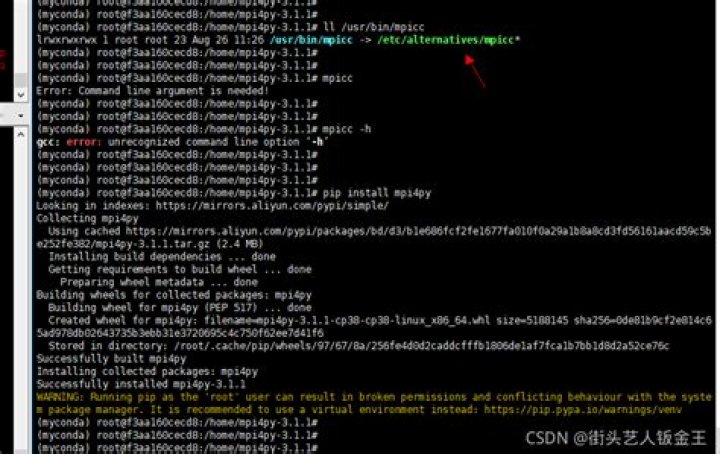

I'm trying to import the rich python module into my code, but I keep getting a 'ModuleNotFoundError' even thought I used pip install --user rich after getting the error, but I still get the same error, I was wondering if anyone has encountered a similar problem and knows how to fix it? Thanks.
4 Answers
Your install of pip may not be using the same Python version that you are trying to import Rich with. Try installing Rich with the following:
python -m pip install rich If the following won't work
python -m pip install rich Then it should be something to do with dependency conflicts. I'm having a package named manimce that was incompatible with the version of rich installed.
You can try upgrading the rich module with the following:
pip install rich --upgrade Then it will prompt you what is conflicting with the package.
I met the similiar problem when I use lighting pytorch which use a class below to detect whether rich is meet requirement:
class RequirementCache: def _check_requirement(self) -> None: if hasattr(self, "available"): return try: # first try the pkg_resources requirement pkg_resources.require(self.requirement) self.available = True self.message = f"Requirement {self.requirement!r} met" except Exception as ex: self.available = False self.message = f"{ex.__class__.__name__}: {ex}. HINT: Try running `pip install -U {self.requirement!r}`" requirement_contains_version_specifier = any(c in self.requirement for c in "=<>") if not requirement_contains_version_specifier or self.module is not None: module = self.requirement if self.module is None else self.module # sometimes `pkg_resources.require()` fails but the module is importable self.available = module_available(module) if self.available: self.message = f"Module {module!r} available" When
pkg_resources.require(self.requirement) raise anything, this class will report rich is not installed
even if just some package conflict exists like this:
>>> pkg_resources.require('rich') Traceback (most recent call last): File "<stdin>", line 1, in <module> File "/mlx/users/", line 956, in require needed = self.resolve(parse_requirements(requirements)) File "/mlx/users/", line 815, in resolve dist = self._resolve_dist( File "/mlx/users/", line 861, in _resolve_dist raise VersionConflict(dist, req).with_context(dependent_req) pkg_resources.ContextualVersionConflict: (Pygments 2.11.2 (/mnt/bn/wjw-nas-arnold/mlx/users/), Requirement.parse('pygments<3.0.0,>=2.13.0'), {'rich'}) so, solution is just import rich without detect using module like pkg_resources or RequirementCache of lighting pytorch
This will happen if the names of your script is rich.py
The package loader will prioritise this over the pip library.
The solution is to rename your script to something else e.g. my_rich.py