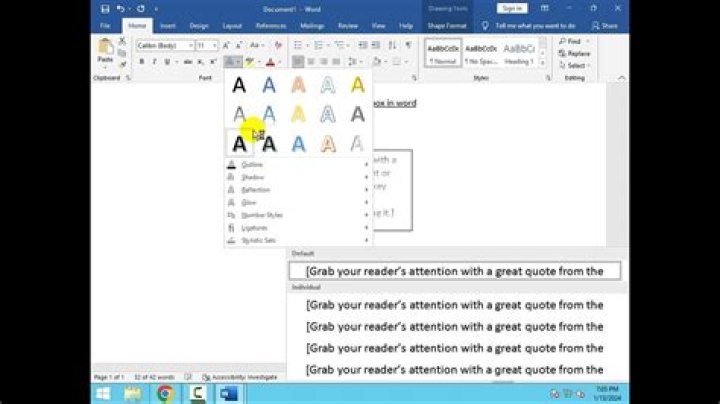

I have customized my styles in MSWord 2013. I primarily use the "Title", "Subtitle", and "Subtle Emphasis" styles in my documents to indicating titles, headings, and sub-headings. However, every time I use subtle emphasis to format text, I can't turn it off. I try to click "normal" for new text on a new line, but subtle emphasis stays. The only workaround I have at the moment is to write some dummy text in a new paragraph before using the subtle emphasis style, then going back in my document and writing the text in subtle emphasis, and then moving my cursor back to the dummy text, erasing it and continuing with my document.
What is wrong with it and how do I fix it?
1 Answer
Character styles overrule paragraph styles. To clear the character style and revert back to Normal with all its properties, use the shortcut Ctrl+Spacebar.
1



