Images get distorted; circles print as ovals
I have an Excel document which has several images (vector art, EMF images).
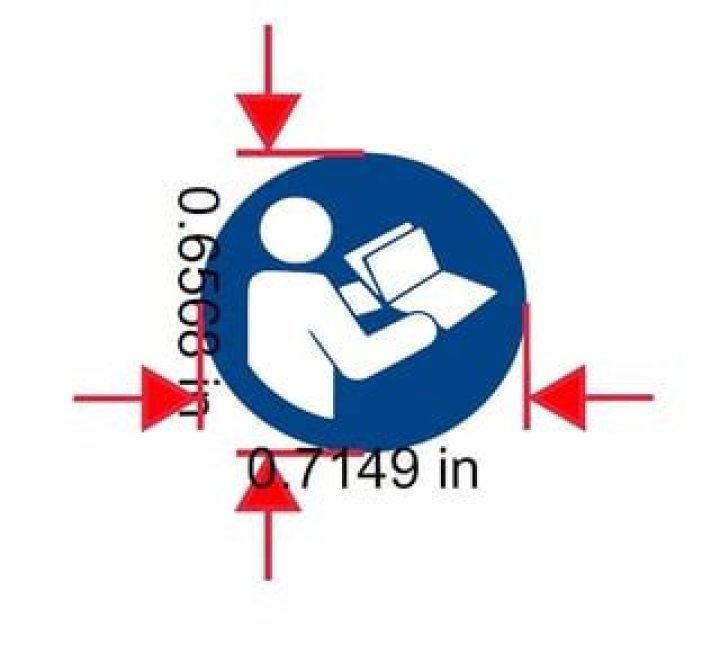
When printing, the images are distorted: circles become ovals, which looks ridiculous.
Surprisingly, it doesn't matter which printer driver I use: Adobe Acrobat DC Save to PDF, or Microsoft's built-in Save to PDF/XPS, I get exactly the same distortion.
This should be a 0.7" diameter circle, as shown printed using Adobe Acrobat DC and Microsoft Excel's built-in PDF feature:
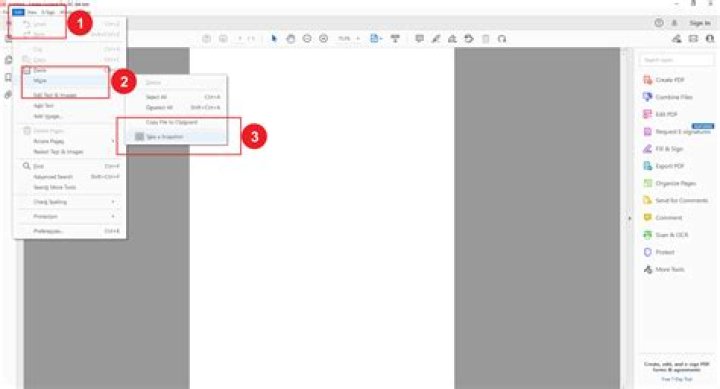
That is not a circle!
I have tried:
- Resize the images externally so they can be maintained at 100% scaling in the document
Is there something that I can do, short of moving to a desktop publishing app?
- Microsoft Excel Professional Plus 2016
- Microsoft Windows [Version 10.0.19041.928]
1 Answer
Excel has a LONG, LONG standing problem with graphics in that it reduces their size, changing the aspect ratio along the way, by about 10%. Which seems to be approximately what you are experiencing.
There is no solution.
If you want things "right", you have to see what a given graphic does, then edit it to change its sizing so that after reduction it is what you desired.
Unfortunately, that only helps the printed version. Now you've adulterated it, the onscreen version will look wrong.
1



