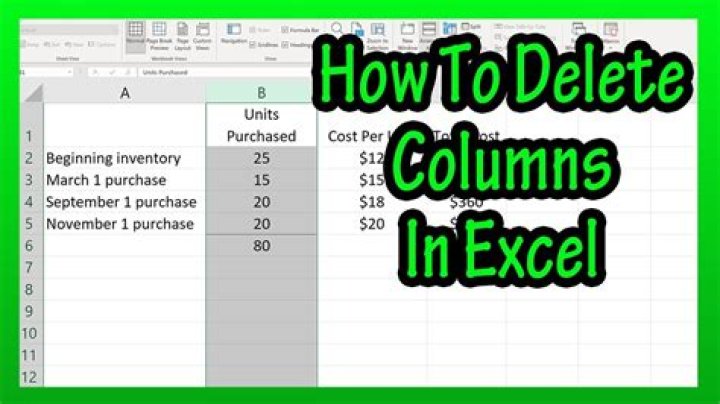

I have a problem with Microsoft Excel. I have an XLSM file with many sheets and huge tables. The most important sheet contains empty and unused colums, from FC to XFD, I want to delete them, but it seems to be impossible. The sheet is protected, I simply unprotect it with a password, and I can't delete those columns. I tried many things, deleting unused links between sheets, unlocking any locked cells, nothing helps. I looked for a solution for this problem, but nothing I found worked... This excel file contains ranges, but they do not touch anything between column FC and XFD...
After selecting those columns I right click on the column bar and select delete - nothing happens. Clicking on "Delete Sheet Columns" also does nothing...
What can I do to delete those columns?
42 Answers
I dont think you can DELETE them completely, when you do delete them Excel removes all the data, and everything form the right slides along to the left,
Is what I do when I only want a certain number of columns displayed before a user reaches the 'end' is to 'Hide' the columns.
Just like when you try to delete them, Select all the columns from FC to XFD, right click, and select 'Hide'
You can then prevent another user Un-Hiding them with sheet protection.
This applies to ROWS also.
I had gone through with same kind of problem,I don't know actual cause of that problem so I did a lengthy trick but fruitful also what I did was just
1.right click on sheet name 2. moved sheet to new excel 3. deleted columns, which I want to remove 4. Again moved same sheet from new file to existing file
Thanks




