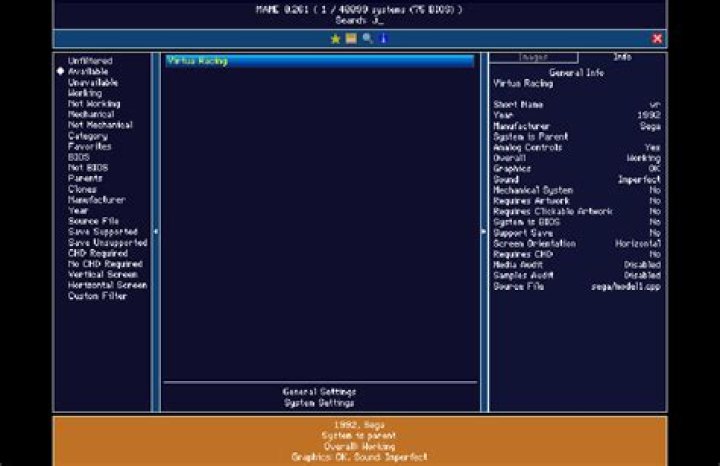

Do you know know how to configure MAME command line for Windows ?
I'm setting up a Windows XP box to use on an Arcade project.
I've always used MAMEUI for playing mame roms, it's a great emulator with plenty of settings that you can manage through a user interface.
Well now I'm trying to achieve similar results by using the MAME command line emulator, because this is what front ends such as mGalaxy or Hyperspin require. But I can't find a way to configure it in any aspect, whatsoever, as I was able to do with MAMEUI.
These are some of the emulation properties I would like to configure for the MAME command line: - Video mode - Aspect ratio - Emu speed - controller setup - etc
Any tip be greatly appreciated :)
1 Answer
The mame.exe (or mame64.exe) has extensive command line help built in. Just open up a command prompt, navigate to your MAME directory and type "mame -showusage" for a list of them.
The most basic command line would be:
mame.exe [gamename] You can also get a list of configuration options with:
mame.exe -showconfig Which will list what your configuration is set to. Finally the best way to control all of these settings is with a config file (as your command line can get extremely long, maybe too long) so you can create a new config file using:
mame.exe -createconfig This will create a default mame.ini file in the same directory as your executable then you can edit it with a text editor to your liking. The INI file values are somewhat self explanatory but then you can supplement it with the documentation from the official site here
Hope that helps!