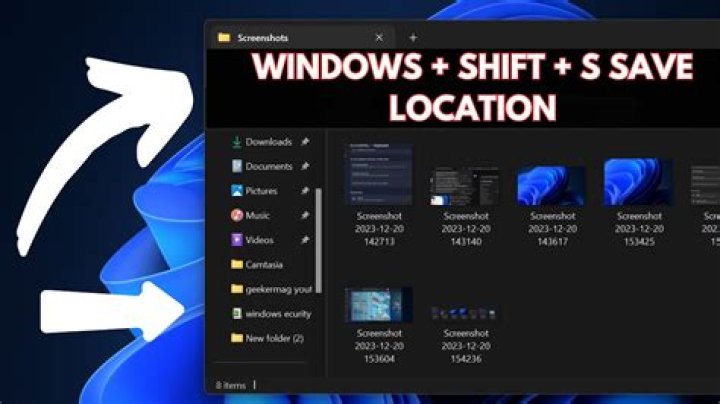

I upgraded my Windows 10 machine to Windows 11 this morning and now Windows-Shift-S doesn't do anything. I used to use it all the time to take screenshot snips. Also PrintScrn doesn't do anything either. That used to take a full-screen screenshot and copy it to the clipboard but now it doesn't work, so I have no way of taking screenshots. Any ideas? Having some other weird issues with Windows 11 as well - e.g. can't enable "always show all taskbar icons" - so wondering if I should just reinstall Windows 10 and wait a few more months to upgrade.
4 Answers
Windows (WinKey) Shift S to get the Snipping tool works fine on Windows 11 22000.282 Insider since this past July (all the way along) and on a new Windows 11 22000.282 Production (< 1 month). Both upgraded from Windows 10.
No issue with Windows 11.
You might try a Windows 11 Repair from the Windows 11 ISO download.
If that does not work for you, roll back to Windows 10 and make sure it is working perfectly well. You could try a Repair Install of Windows 10 and then try upgrading again.
3From Microsoft forums: disable automatic time, set your clock back to 30th October, then try windows+shift+s. Once that works, enable automatic time again.
1Cannot comment but actually setting the Date before October 30th and back to auto worked for me. Good old microsoft wonder why this solves it :D
"From Microsoft forums: disable automatic time, set your clock back to 30th October, then try windows+shift+s. Once that works, enable automatic time again."
Yep, I can confirm, it works for me.




