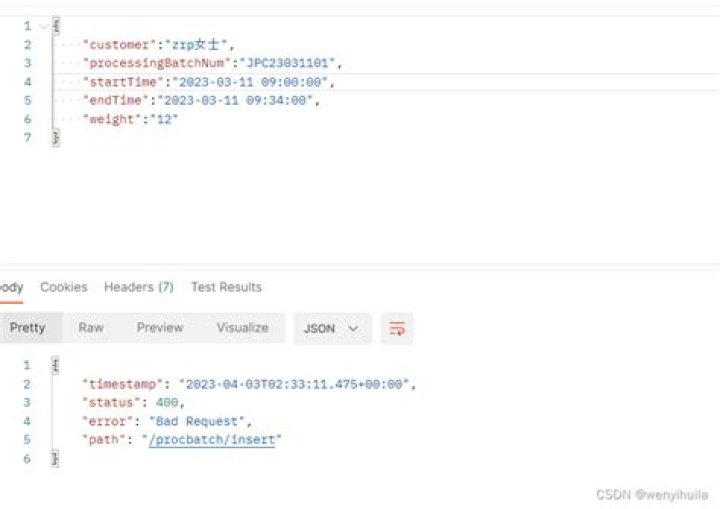

I am sending request to external service which has updatedDate property
@UpdateTimestamp @Column(name = "updated_date") private LocalDateTime updatedDate; When I receive the response in my DTO I am trying to format the LocalDateTime property like this
@JsonFormat(shape=JsonFormat.Shape.STRING, pattern="yyyy-MM-dd'T'HH:mm:ss") private LocalDateTime updatedDate; But I get error in Postman
"message": "JSON parse error: Cannot deserialize value of type `java.time.LocalDateTime` from String \"2020-04-14T10:45:07.719\": Text '2020-04-14T10:45:07.719' could not be parsed at index 14; nested exception is com.fasterxml.jackson.databind.exc.InvalidFormatException: Cannot deserialize value of type `java.time.LocalDateTime` from String \"2020-04-14T10:45:07.719\ 3 Answers
There are milliseconds in the input string, so your format should be "yyyy-MM-dd'T'HH:mm:ss.SSS"
Update: If the millisecond part consists of 1, 2, 3 digits or is optional, you may use the following format:
@JsonFormat(shape=JsonFormat.Shape.STRING, pattern = "yyyy-MM-dd'T'HH:mm:ss[.SSS][.SS][.S]") private LocalDateTime updatedTime; You can remove the annotation @JsonFormat and let it works in a default way. It is working fine for me even if I removed the millisecond.
@NotNull @FutureOrPresent(message = ErrorMessages.INVALID_CAMPAIGN_START_DATE) //@JsonFormat(pattern = "MM/dd/yyyy") private LocalDateTime campaignStartDate; JSON Request:
{ "campaignStartDate" : "2020-12-31T15:53:16", "campaignExpDate" : "2021-01-24T15:53:16", } { "campaignStartDate" : "2020-12-31T15:53:16.45", "campaignExpDate" : "2021-01-24T15:53:16.45", } { "campaignStartDate" : "2020-12-31T15:53:16.445", "campaignExpDate" : "2021-01-24T15:53:16.445", } These JSON requests will work fine.
1I had the same error, I used this one with "pickupDate":"2014-01-01T00:00:00"
@JsonDeserialize(using = LocalDateTimeDeserializer.class) @JsonSerialize(using = LocalDateTimeSerializer.class) private LocalDateTime pickupDate; 



