
So we have a huge team and lately I'm constantly getting "Joe Schmuckatelli Dentist Appointment" and stuff like that and I really don't need to know this info....they are either on slack/Lync or they are not. I silently decline that crap because I have enough legit meetings on my calendar.
Is there any way to set up a rule in Outlook for Mac that allows me to silently decline any meetings that match the rules of say, To: #teamname and contain “WFH”, “OOO”, “PTO” etc?
2 Answers
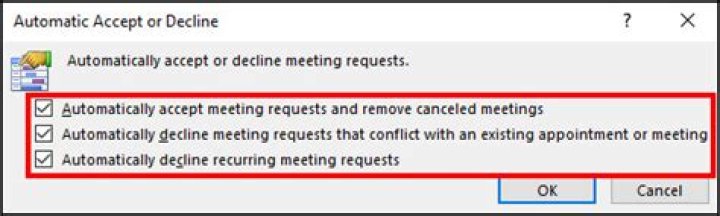
It's complicated but to actually decline the meeting you can do the following:
A hack is to auto-hide meeting invites from the calendar view by:
- Create an Outlook Category called "Invisible"
- Create a mail rule to auto-tag meeting invites with the "Invisible" category
- Change the calendar view to not display items in the "Invisible" category
- Outlook Calendar View → View (tab) → View Settings (button) → Filter (button) → Advanced (tab) → Field "Categories" : "doesn't contain" : "Invisible"
I believe the answer is
(while in mail view, not Calendar view) In the “Organize” ribbon, select “Rules”->“Create Rule” “From” “is” #greenhouse “Subject” Contains ‘PTO’ or ‘WFH’ “Kind” Is ‘meeting request’ “Delete”
3



