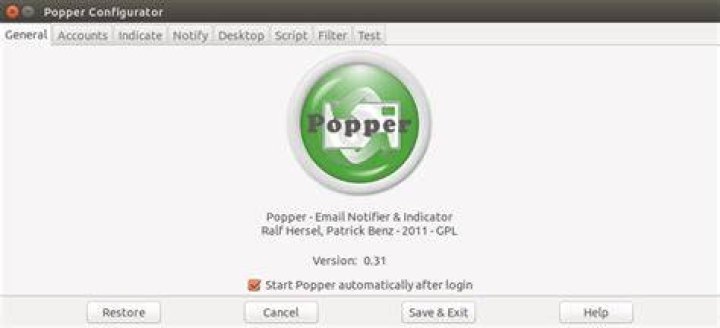
In Ubuntu 12.04 LTS I used Popper as e-mail checker.
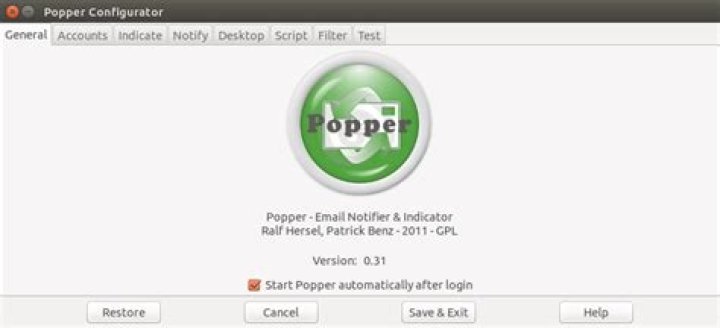
It supports POP/POP3 and IMAP without and with SSL.
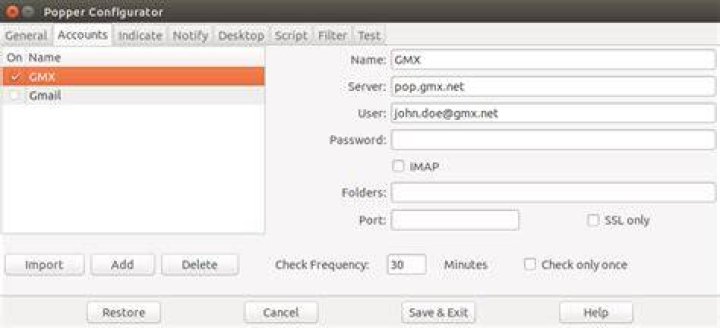
Has Thunderbird integration.
and integrates into indicator-messages:
 - no new e-mails
 - got new e-mails
Is it possible to make Popper mail notification working on Ubuntu 16.04 and 18.04 (MATE and Unity)?
1 Answer
Yes, it is possible. The result will look like as in screenshot from Ubuntu MATE 18.04 LTS:
Ubuntu 16.04 LTS (running MATE or Unity)
See comment on bug 1683516.
You can do the following:
sudo apt-get install libindicate-gtk3 libindicate5 python-indicate \ python-gnomekeyring python-notify cd ~/Downloads wget sudo dpkg -i python-support_1.0.14ubuntu2_all.deb wget sudo dpkg -i popper_0.31.3-0ubuntu1_all.deb wget --print-architecture`.deb sudo dpkg -i libindicator-messages-status-provider1_0.6.0-0ubuntu2_`dpkg --print-architecture`.deb wget --print-architecture`.deb sudo dpkg -i indicator-messages_0.6.0-0ubuntu2_`dpkg --print-architecture`.deb wget --print-architecture`.deb sudo dpkg -i indicator-messages-gtk2_0.6.0-0ubuntu2_`dpkg --print-architecture`.deb Then for MATE - mate-tweak -> Panel (Interface) -> Enable indicators.
Then Applications -> Internet -> Popper - set account settings.
Then pin installed packages:
cat <<EOF | sudo tee /etc/apt/preferences.d/pin-indicators Package: indicator-messages Pin: version 0.6.0-0ubuntu2 Pin-Priority: 1337 Package: indicator-messages-gtk2 Pin: version 0.6.0-0ubuntu2 Pin-Priority: 1337 Package: libindicator-messages-status-provider1 Pin: version 0.6.0-0ubuntu2 Pin-Priority: 1337 Package: popper Pin: version 0.31.3-0ubuntu1 Pin-Priority: 1337 Package: python-support Pin: version 1.0.14ubuntu2 Pin-Priority: 1337 EOF Reboot and login back.
That is all. You got indicator-messages working again.
Ubuntu 18.04 LTS (running MATE or Unity)
You can do the following:
sudo apt-get install libindicate-gtk3 libindicate5 python-indicate \ python-notify libpango1.0-0 cd ~/Downloads wget wget wget --print-architecture`.deb wget --print-architecture`.deb wget --print-architecture`.deb wget --print-architecture`.deb wget --print-architecture`.deb sudo apt-get install ./*.deb Then Applications -> Internet -> Popper - set account settings.
Then pin installed packages:
cat <<EOF | sudo tee /etc/apt/preferences.d/pin-indicators Package: indicator-messages Pin: version 0.6.0-0ubuntu2 Pin-Priority: 1337 Package: indicator-messages-gtk2 Pin: version 0.6.0-0ubuntu2 Pin-Priority: 1337 Package: libindicator-messages-status-provider1 Pin: version 0.6.0-0ubuntu2 Pin-Priority: 1337 Package: popper Pin: version 0.31.3-0ubuntu1 Pin-Priority: 1337 Package: python-gnomekeyring Pin: version 2.32.0+dfsg-3 Pin-Priority: 1337 Package: python-support Pin: version 1.0.14ubuntu2 Pin-Priority: 1337 EOF Reboot and login back.
That is all. You got indicator-messages working again.
Ubuntu MATE 20.04 LTS
Popper is installable with some hacks, but does not work anymore.