Specifically, I'd like to change the transparency of an already open Terminal.app window. I know I can change the settings and then open a new window, but I can't figure out how to make an already existing window transparent.
And no, I'm not interested in switching to another terminal program, thanks.
EDIT: OS X 10.6.4 (Snow Leopard)
5 Answers
Which version of Mac OS X?
In Terminal.app, if you change the settings of any of the presets it will affect all open windows that use that setting. (I can confirm this for 10.4+)
So, if you click on the preset you used for the open Terminal window (most likely the one with Default in grey text below it) and go to the Window tab you can click on the Color picker under the Background header and change the Opacity.
There is an app enhancer Afloat, which can change transparency of any cocoa window. Also it can convert any window to overlay, force it to float above others, pin it to desktop and some other stuff.
Chealion's answer works, and I'll be marking it as the accepted answer, but I figured out another way to do this also, cause I'm too impatient to wait for answers:
- Create a new set of settings with the desired level of opacity in
Terminal->Preferences - Make the desired terminal window active and Show Inspector for it:
Shell->Show InspectororCommand+I - Choose the Settings tab in the Inspector and select the new set of settings. Viola! That one window is now transparent, without affecting the others that were started with the same set of settings.
The reason I wanted to do this was so I could put this window on top of another window that had similar (but not identical) output and visually inspect to see the difference. Consider the following:

vs:
It is much easier to quickly glance at the screen and spot the difference between the two.
3As of Mac OS X Lion 10.7, Terminal allows separate opacity settings for active and inactive windows. So, you can customize a single settings profile to have the frontmost window be more transparent and background windows more opaque.
Terminal > Preferences > Settings > [profile] > Window > Background > Color
Opacity and blur settings are in the color palette that appears when you click on the color control. There is a checkbox to enable different settings for inactive/background windows.
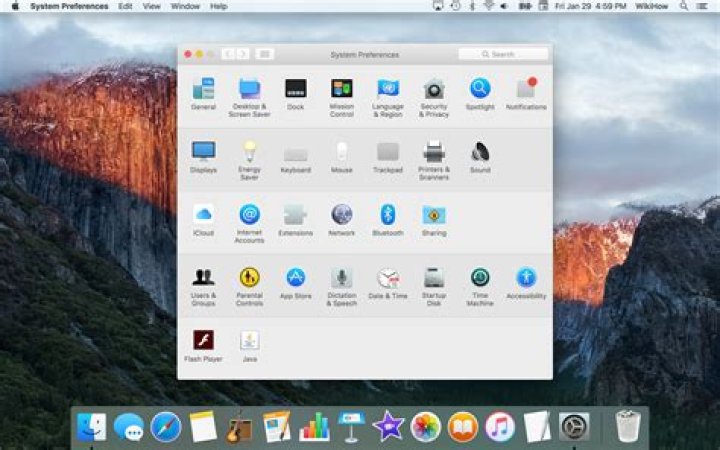
The question is about setting the opacity for Terminal, but if someone is interested in how to globally set transparency off, go to System Preferences -> Accessibility -> Display. Then make sure that "Reduce transparency" is selected. I found this here: for Yosemite, but it works in El Capitan.
2



