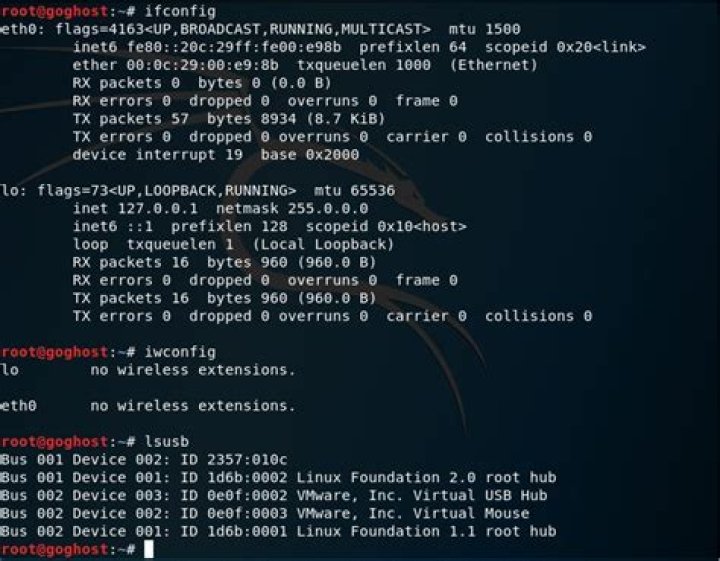

Hi all, I have been trying since long time to establish wireless connection in kali guest OS on Windows 10 host. I have purchased TP-LINK TLWN722N version 2 RealTeck chipset, As i have been suggested to use this for kali. which is plug and play. Have a look at VM settings below attached with the command outputs for ifconfig, iwconfig, lsusb
Please let me know the solution. Had been reasearching online quite 2-3 days
1 Answer
There are two possibilities:
Wireless card not connected with Virtual Machine
If this is the case then you can fix issue by connecting wireless card to virtual machine.
Go to VM > Removable devices > (wireless card name/number) > Connect (Disconnect from Host)
Compatible driver not found (very less chance for your case but maybe)
In this case, Download Driver from TP-Link website and install it.
Driver Installation Guide:
- Unzip drivers zip file in home folder
Open Terminal and run these commands:
cd ZippedFolderName sudo apt-get install gcc build-essential linux-headers-generic linux-headers-$(uname -r) make sudo make install modprobe rtl8188e
TIP: Try following commands in terminal:
apt-get update apt-get upgrade 



