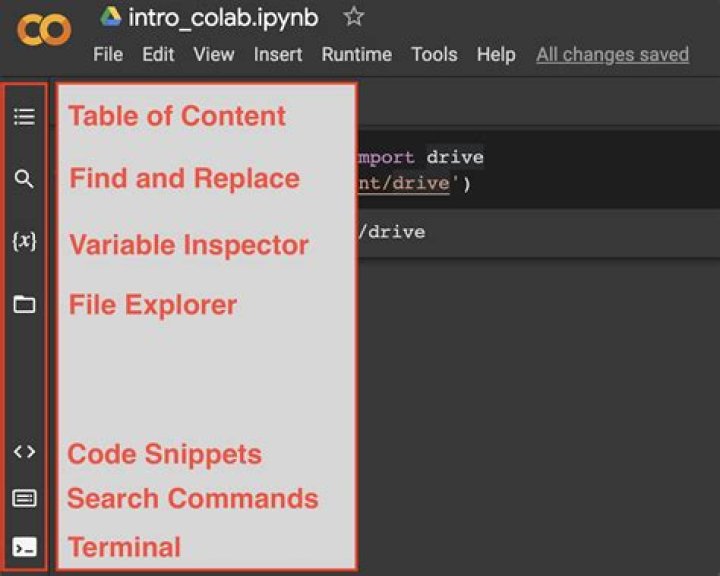

How to import several images (around 60) from DRIVE in order to read them with Python Colab?. I want to read them in order to compare them
In my search, I follow this treat but it is for just one file.
from google.colab import drive #1/ Montar datos desde Drive, con autorizacion drive.mount('/content/drive') change to directory where the files are place
!cd /content/drive/My\ Drive/cursos\ imagenes/ and then I process the image, but how to import the 60 images?
import matplotlib.pyplot as plt from skimage import io from PIL import Image #Open the image image0 = Image.open('0.gif') image = Image.open('20.gif') plt.imshow(image) I aprecciate any help, thank you in advance
1 Answer
I find a way, but I got error in my code
#Goal, read multiple files from Drive # Thanks to !pip install - U - q PyDrive import os os.chdir('/content/') # in order to clone the instruction of Google_drive !git clone from Google_drive.handle import * Gd = Google_drive() #This is a Google directory link: #local_file = 'path/to/local/file' #drive_dir_ID = '1TcMSKVAgRXZXymxfBv3WouPkauSIIpDX' # in my case # #local_file = 'path/to/local/file' drive_dir_ID = '1PTiDDildDxCvMr_rutu-xDgQxmb7bs0u' drive_dir = '/content/drive/a enes/transito' # Read all files Gd.load_all(drive_dir, drive_dir_ID) #Read a single file #Gd.load_version(local_file, drive_dir_ID) Any help I aprecciate




