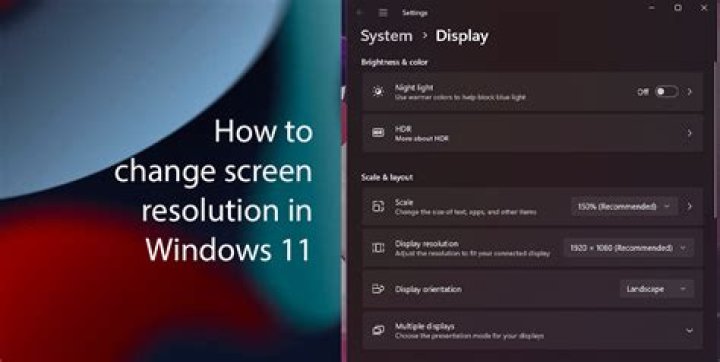

My 48" screen is 1080p supporting 1920 x 1080 resolution.
I need to design a canvas on my computer that will send to this screen via HDMI cable.
Should the dimensions of this canvas be
- 1920 x 1080 pixels or
- 2862 x 1587 pixels (because 48" converted to pixels equals this in Illustrator)
Thanks
3 Answers
You should set your Illustrator canvas to be at 1920x1080 pixels if you are going to be outputting ONLY on your 48" LCD as final.
I believe you got your Illustrator canvas size of 2862 x 1587 by using the diagonal 48" multiplied by a 72 ppi resolution - doesn't work that way bub.
However, in the event that you might be using your artwork for print or anything else, I would recommend you to set it to a higher resolution that supports fine-printing, and also is in a 16:9 aspect ratio, and then output to a jpeg and downscale to 1920x1080 for display on your LCD. That would cover all bases.
Wikipedia would indicate that it's 1920x1080 (given the 16:9 aspect ratio). Not sure where 2862x1587 comes from.
1920 x 1080 is 1080p 16:9 aspect (widescreen)
To calculate use 1080 as the base number.
1080 * (16/9) = 1920 and... Since 720 is also a 16:9 aspect
720 * (16/9) = 1280 So 720p is actually 720 x 1280 pixels resolution
Forget what illustrator says. Pixels are an arbitrary measurement indicating the number of red/green/blue dots on the screen. The pixel count in illustrator is measured by multiplying the resolution times the ppi (pixels per inch).




