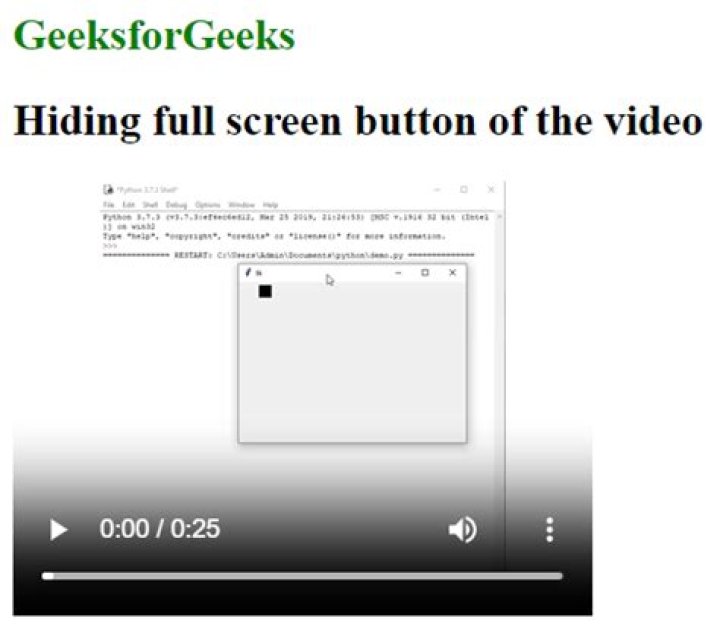

I have a bug with my HTML5 Video player where the replay button shows at the start. I want to show the play button and not the replay. The replay button seems to be functioning properly, just doesn't hide at start.
CSS
.video-wrapper { position: relative; max-width: 680px; } .video-wrapper > video { width: 100%; max-width: 100%; box-sizing: border-box; vertical-align: middle; cursor: pointer; } /* Hide iOS Play Button */ video::-webkit-media-controls-start-playback-button { display: none!important; -webkit-appearance: none; } .playButton { border-radius: 100px; border: 8px solid #fff !important; height: 100px; position: absolute; width: 100px; margin: auto; top: 0; bottom: 0; right: 0; left: 0; cursor: pointer; display: block; opacity: 0.95; transition: opacity 400ms; } .playButton:before { content: ""; display: block; width: 0; height: 0; border-style: solid; border-width: 25px 0 25px 50px; border-color: transparent transparent transparent #fff; position: absolute; top: 0; left: 0; right: -10px; bottom: 0; margin: auto; } .replayButton { border-radius: 100px; border: 8px solid #fff !important; height: 100px; position: absolute; width: 100px; margin: auto; top: 0; bottom: 0; right: 0; left: 0; cursor: pointer; display: block; opacity: 0.95; transition: opacity 150ms; } .replayButton:before { height: 45px; width: 45px; position: absolute; top: 18px; left: 18px; content: ''; display: block; border-color: transparent white white white; border-radius: 50%; border-style: solid; border-width: 8px; -webkit-transform: rotate(-90deg); transform: rotate(-90deg); } .replayButton:after { border-color: transparent transparent transparent white; border-style: solid; border-width: 0 45px 22px 22px; height: 0; position: absolute; top: 40px; left: 15px; bottom: 0; right: 0; width: 0; content: ""; display: block; margin: auto; } HTML
<div> <video> <source src="" type="video/mp4" /> </video> <div onclick="playPause()"></div> <div onclick="playPause()"></div> </div> Script
var bunnyVideo = document.getElementById("bVideo"); var el = document.getElementById("playButton"); var replay = document.getElementById("replayButton"); function playPause() { if (bunnyVideo.paused) { bunnyVideo.play(); el.className = ""; replay.className = ""; } else { bunnyVideo.pause(); el.className = "playButton"; replay.className = ""; } } function playPauseControls() { if (!bunnyVideo.paused) { el.className =""; replay.className = ""; } else { el.className = "playButton"; replay.className = ""; } } function videoEnd() { replay.className = "replayButton"; el.className = ""; bunnyVideo.setAttribute("controls","controls"); } function showControls(){ bunnyVideo.setAttribute("controls","controls"); } function hideControls(){ bunnyVideo.removeAttribute("controls","controls"); } bunnyVideo.addEventListener("click", playPause, false); bunnyVideo.addEventListener("play", playPauseControls, false); bunnyVideo.addEventListener("pause", playPauseControls, false); bunnyVideo.addEventListener("mouseover", showControls, false); bunnyVideo.addEventListener("mouseout", hideControls, false); playButton.addEventListener("mouseover", showControls, false); replay.addEventListener("mouseover", showControls, false); bunnyVideo.addEventListener("ended", videoEnd, false); 1 Answer
Set the div to invisible when you start your javascript:
var replay = document.getElementById("replayButton"); replay.style.visibility = "hidden"; Then in the replay call back set it to visible:
function videoEnd() { replay.className = "replayButton"; replay.style.visibility = "visible"; el.className = ""; bunnyVideo.setAttribute("controls","controls"); } 



