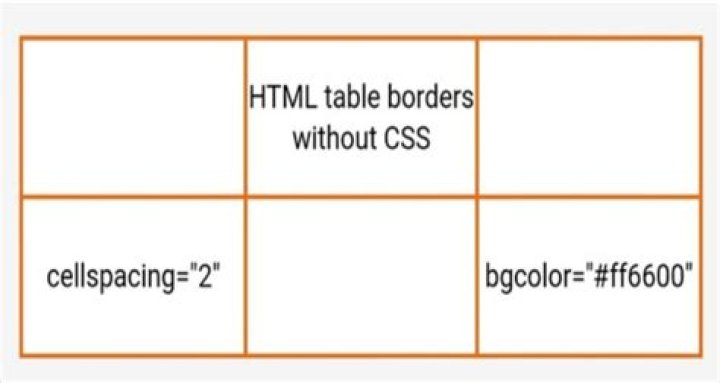

I have an HTML table with no id or class definitions and I'm trying to make it have no border. I'm inserting the table into a page that calls other stylesheets that might have definitions for tables, but I'm adding the following right before the table that should remove all previous possible classes:
table, th, tr, td { border: 0px;!important border-collapse: collapse;!important border:none;!important outline:none;!important } and yet the table border does not go away... how can I tackle this?
33 Answers
Your code is almost correct. You need to have the !important tag before the semicolon. Not after it.
Example:
table, th, tr, td { border: 0px !important; border-collapse: collapse !important; border:none !important; outline:none !important; } That will get rid of the border, but just also note that td and th elements also have 1px of padding by default as well. So going padding: 0px !important; in the code example above will remove it.
Try !important keyword before semicolon.
table, th, tr, td { border: none !important; outline: none !important; }; Depending on how your application is built (mainly in terms of order of CSS), you may not even need the !important; property. Remember, order of CSS matters, so regardless, you should make sure that the styles you intend to have aren't overwritten later on.
Right now your CSS contains syntax errors. Your semicolon is in the wrong place. The smicolon is used to close the arguments and should therefore be at the end of the line.
This is how your CSS should look like:
table, th, tr, td { border: 0px !important; border-collapse: collapse !important; border:none !important; outline:none !important; } 



