
Sorry for this painful dumb question . I have 2 batch files where i have some commands to execute in batchfile1 and sleep for some time and then execute somecommands in batchfile2 and again batchfile2 will wait for some time and then again batchfile1..,so i am have below script
Batchfile1.bat
@echo off echo helloworld call Batchfile2.bat GOTO END Batchfile2.bat
@echo off echo printing Can any one suggest how to use sleep for this scenario, i am seeing different options sleep,timeout..etc. and which is one best to use in this scenario?
12 Answers
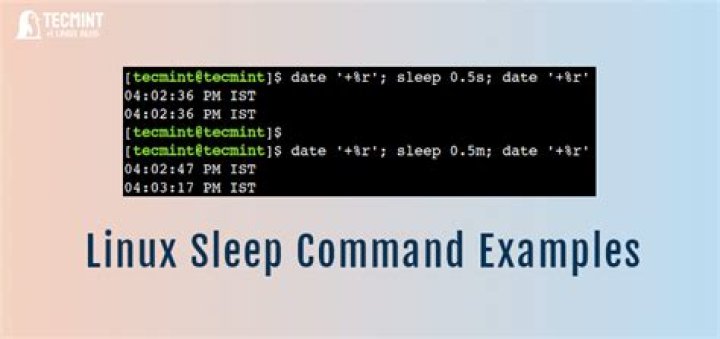
Well, SLEEP is not a standard Windows batch command, so that is out.
As long as the script need never be run on XP, then TIMEOUT is perfect. For example, to sleep 3 seconds:
timeout 3 /nobreak >nul If you want the script to work on XP as well, then the standard hack is to use PING. It waits roughly 1 second between pings, so instruct it to ping one more than your desired number of seconds. So here is the example for a ~3 second delay:
ping -n 4 127.0.0.1 > nul The scripts needn't necessarily be in separate files as CALL can call labels as well. This would do what you are describing:
@echo off :start call :script1 timeout 1 /nobreak >nul call :script2 timeout 1 /nobreak >nul goto :start :script1 echo script1 goto :eof :script2 echo script2 goto :eof If you want the scripts to live in external files a similar approach works just as well:
@echo off :start call script1.bat timeout 1 /nobreak >nul call script2.bat timeout 1 /nobreak >nul goto :start