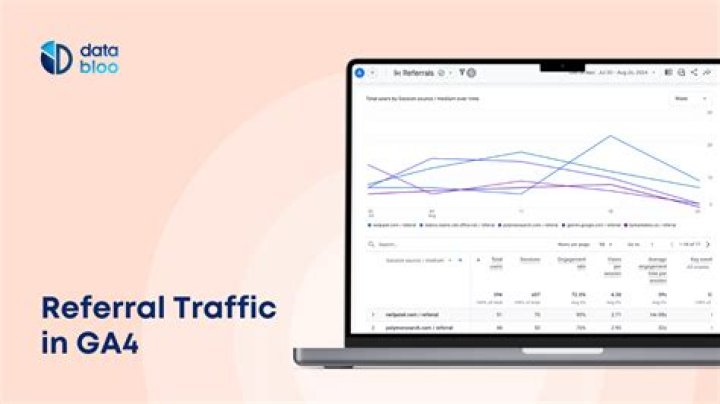

I'm looking to track traffic from example.com to subdomain.example.com because I need to know the source of traffic going to subdomain.example.com, and example.com is one of the multiple sources. However, analytics.js seems to be ignoring the same domains by default, because I don't see in the referral.
example.com and subdomain.example.com are two different sites with two different tracking code and ID.
Does anyone know how to approach this? All of the articles online show how to exclude traffic from different subdomains, but not include.
Many thanks in advance!
1 Answer
The way to do your 'include' is by using the referral exclusion list. If you have a different GA id for the two sites, I suppose that you have different analytics properties for them. From the information you provide us here I suppose you can do the following.
- Go to the admin tab on your site. Under Tracking info - Referral exclusion list, add the ' and also change it in the property settings as your Default url.
- Go to the subdomain.example.com property. Under Tracking info - referral exclusion list I hope you have the entry subdomain.example.com.
This should work as you will see referrals on your subdomain from example.com. And also you will see referrals in your tld from subdomain.example.com, If I did not understand your request correctly you can also check this article




