I have an 802.11n compatible adapter and router set to transmit using the N protocol (all settings on auto). I'd like to find out if I'm actually using it or if I am connecting with the a/b/g protocols.
I'm using Windows 7. Router is Cisco Linksys 1200N.
4 Answers
If you want to see clear solid indicator, simply hover over connected wireless network. You can find Radio Type in tooltip.
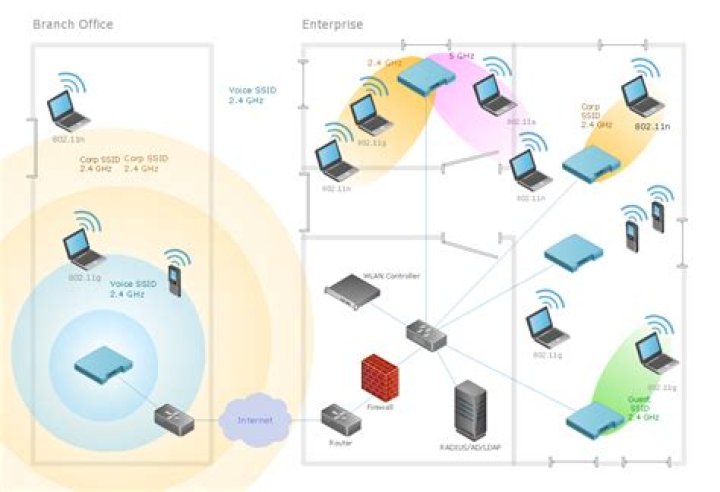
In the screenshot, you can see that my Radio Type is 802.11g.
Answer from another question:
C:\Users\kuba>netsh wlan show interfaces There is 1 interface on the system: Name : Wireless Network Connection 2 Description : DW1520 Wireless-N WLAN Half-Mini Card State : connected Network type : Infrastructure Radio type : 802.11g <-- the currently negotiated value Authentication : WPA-Personal Cipher : CCMP Connection mode : Auto Connect Channel : 11 Receive rate (Mbps) : 54 Transmit rate (Mbps) : 54 Signal : 82% Profile : xxxx Hosted network status : Not started Go to the Network and Sharing Center and select Change Adapter Settings. Right-click your wireless adapter and click "Status". It should say somewhere there whether you're using Wireless-N, Wireless-G, etc.
3On Windows 7 the status box doesn't seem to pop up but if you mouse over the connection link a box appears that says 802.11n if you are on n.




