
How do I switch to netcat-traditional in Ubuntu? Whenever I write netcat -h, it appears that I am running netcat-openbsd instead.
I'm new to Ubuntu, so exact commands would be helpful.
1 Answer
enable universe repository (if not enabled)
sudo add-apt-repository universeInstall the other netcat using synaptic. (To do this, the universe repository must be enabled.)
sudo apt-get install netcat-traditionaltype
sudo update-alternatives --config ncSelect the option
/bin/nc.traditionaltype
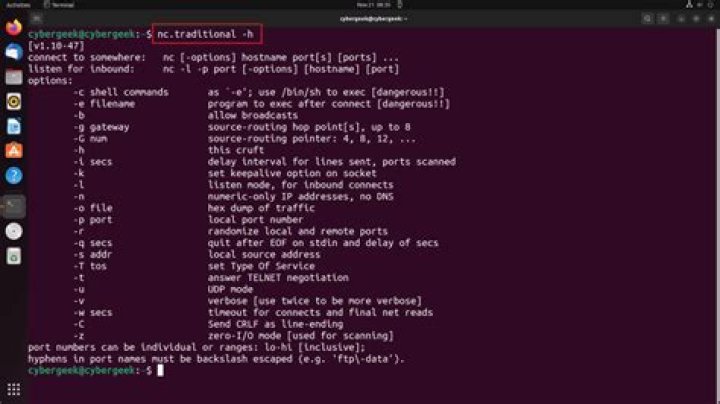
nc -h
output:
[v1.10-38] connect to somewhere: nc [-options] hostname port[s] [ports] ... listen for inbound: nc -l -p port [-options] [hostname] [port] options: -c shell commands as `-e'; use /bin/sh to exec [dangerous!!] -e filename program to exec after connect [dangerous!!] ...