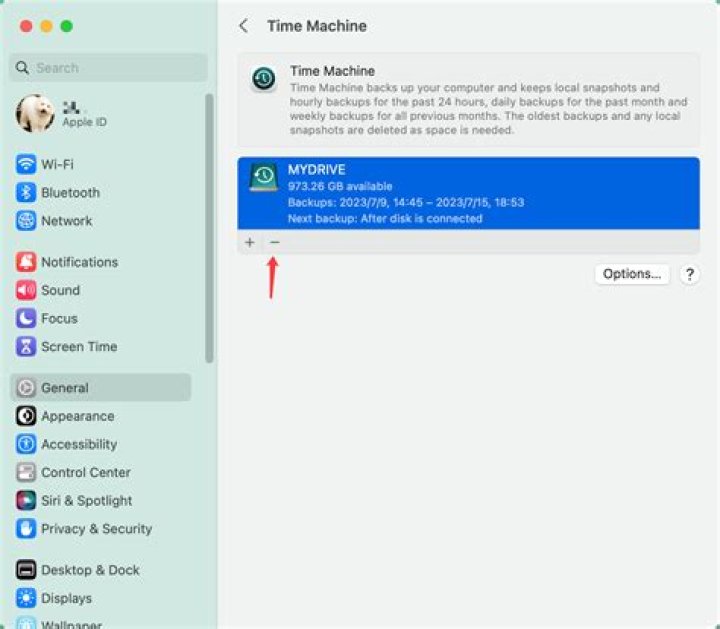
My Time Machine backs up to a hard drive connected to my Airport Extreme. After I've upgraded to Lion I have noticed that the mds process (the Spotlight indexer) has been running at 100% cpu every now and then. A simple file activity check told me that it was trying to index my Time Machine backup.
I have gone and added the Time Machine disk to the Privacy list in Spotlight settings, which is supposed to exclude the disk from the Spotlight index, but alas, Spotlight still tries to index it sometimes. Is it a bug in Lion or am I missing something?
15 Answers
There is a command line option Wheat;
$ mdutil Usage: mdutil -pEsa -i (on|off) -d volume ... Utility to manage Spotlight indexes. -p Publish metadata. -i (on|off) Turn indexing on or off. -d Disable Spotlight activity for volume (re-enable using -i on). -E Erase and rebuild index. -s Print indexing status. -a Apply command to all volumes. -V vol Apply command to all stores on the specified volume. -v Display verbose information. NOTE: Run as owner for network homes, otherwise run as root So on the Mac you need to:
$you@yourmac: mdutil -d /Volumes/YOURDRIVE [enter] $you@yourmac: mdutil -E /Volumes/YOURDRIVE [enter] Then you need to reboot (it seems that indexing does not stop until the Mac has been rebooted in some cases). The first line will disable the indexing, the second line should delete all of the index for that drive.
2Do the following terminal actions:
$you@yourmac: cd /Volumes/YOURDRIVE [enter] $you@yourmac: touch .metadata_never_index [enter] If you want to remove the existing Spotlight indexes, do this, carefully otherwise you may remove important other stuff:
$you@yourmac: cd /Volumes/YOURDRIVE [enter] $you@yourmac: rm -rf .Spotlight-V100/ [enter] Done. No more overkilling your external drives. Works both on Snow Leopard and Lion.
The commercial utility MacPilot from Koingo Software can be used to completely delete the Spotlight index database and force Spotlight to create a new one. This is a maintenance step that I find myself needing to perform from time to time.
There must be a command-line procedure for doing this without needing MacPilot. Perhaps someone else can post about that here.
1To prevent indexing your external drive, you can add it to Privacy rule in Spotlight (System Preferences).
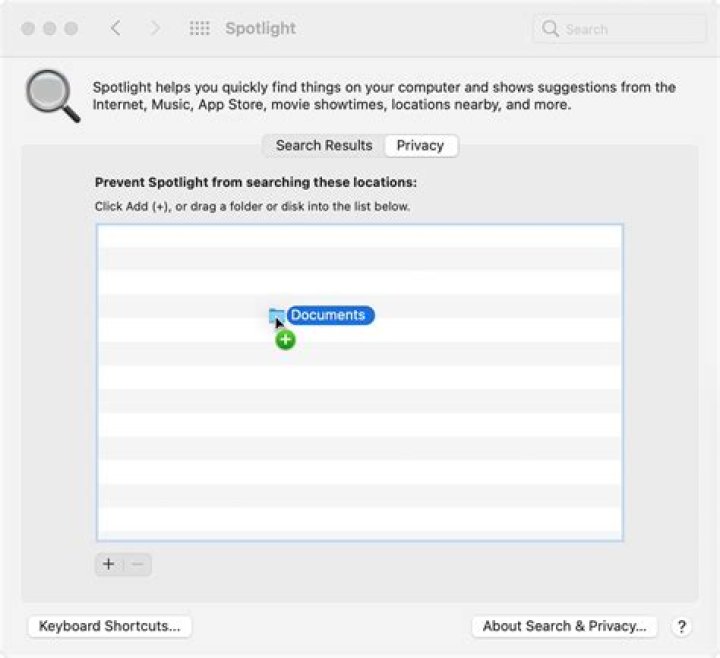
Spotlight cannot be disable for the Time Machine. Turning off the Volume where the TimeMachine is located only works for other folders in the same volume, but not for Backups.backupdb. The same for adding it in the Privacy settings of Spotlight. It seems to be a feature.
Apple Support. OS X El Capitan: Spotlight preferences
If you add a Time Machine backup disk to the privacy list, you will continue to see messages that Spotlight is indexing your backup disk. This indexing is necessary for Time Machine to function properly and can’t be disabled. Spotlight does exclude from searches any items you store on your backup disk that are not part of a Time Machine backup.




