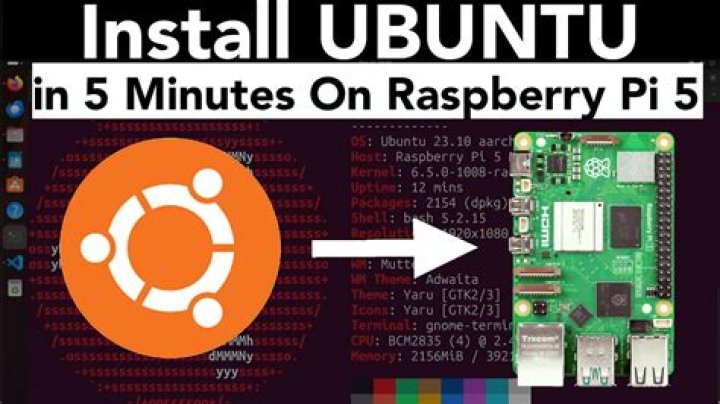

I installed Ubuntu Server 20.04.2 LTS for Raspberry Pi on my Raspberry Pi 3 B+.
$ uname -a Linux ubuntu 5.4.0-1042-raspi #46-Ubuntu SMP PREEMPT Fri Jul 30 00:35:40 UTC 2021 aarch64 aarch64 aarch64 GNU/Linux $ lsb_release -a No LSB modules are available. Distributor ID: Ubuntu Description: Ubuntu 20.04.2 LTS Release: 20.04 Codename: focal I installed LIRC and tried following this guide. My goal is to be able to receive infrared remote control commands.
My /etc/lirc/lirc_options.conf file:
[lircd] nodaemon = False driver = default device = /dev/lirc0 output = /var/run/lirc/lircd pidfile = /var/run/lirc/lircd.pid plugindir = /usr/lib/aarch64-linux-gnu/lirc/plugins permission = 666 allow-simulate = No repeat-max = 600 However, there is no /boot/config.txt file (I mean obviously, because that is specific to Raspberry Pi OS), so I cannot tell LIRC which GPIO pin to use as the guide states:
dtoverlay=gpio-ir,gpio_pin=17 I tried rebooting anyway and then, as the guide suggests:
$ sudo systemctl stop lircd.service Warning: Stopping lircd.service, but it can still be activated by: lircd.socket $ sudo systemctl stop lircd.socket $ sudo mode2 -d /dev/lirc0 Using driver default on device /dev/lirc0 Cannot initiate device /dev/lirc0 The /dev/lirc0 device is not even mounted, ls /dev | grep lirc no results. Is there anything I can do to get it working? I cannot figure out what to do and cannot find any recent guides.
Extra info:
- I'm using TSOP4838 IR receiver on GPIO 17
- I was able to read raw data from this receiver using GPIO. The pin is correctly High and receives Low only when I press the remote control buttons. I think I need LIRC for hardware support as it is not reliable to implement the remote control IR protocol using a Python script (or is it?) as you need to read at perfect time intervals. That is a job for a low-level library or a hardware CLK and the like.
- Bonus question: The remote control is LG AKB73655802 is there a configuration for LIRC for this specific remote control, or do I need to make my own?
1 Answer
I had a similar problem today, switching the OS of my Raspberry from Raspbian to Ubuntu Server. Searching for the solution of this problem, I came across this post:
and adapting this to my setup, the following worked:
sudo vim /boot/firmware/usercfg.txt
and insert:
#output dtoverlay=gpio-ir-tx,gpio_pin=24 #input dtoverlay=gpio-ir,gpio_pin=23