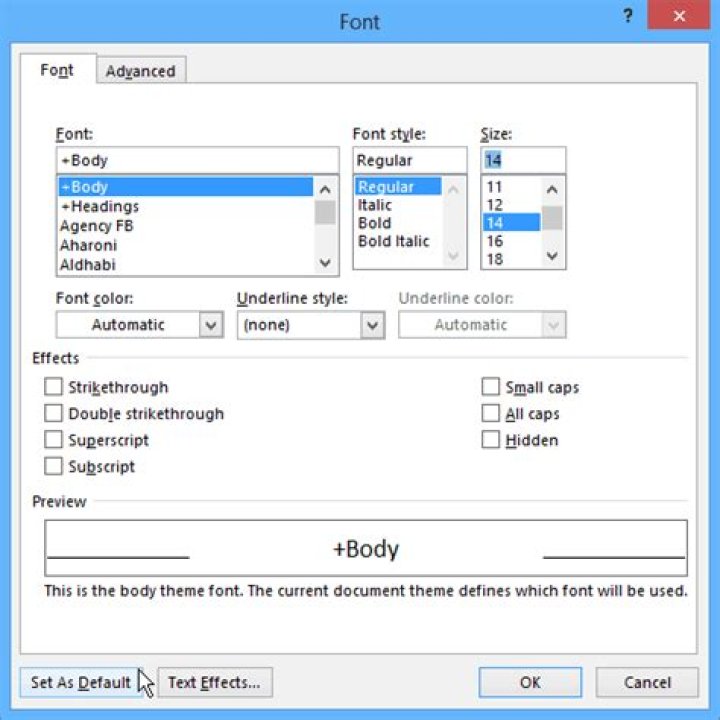

I am running MS Office Publisher 2013 and I find it a big hassle to change the default font, which is Calibri (Body) size 10 to Arial size 15 every time I create a textbox. In Word you can press Ctrl+Shift+F, change the font and font size, click on "Make default" on the lower left-hand corner and select the second option, "normal.dotm". In Publisher, no such thing is evidently present.
For Publisher 2010, you can follow this guide, after giving yourself Ownership of "normal.pub". For more info, Google "Get ownership of system files".
Is there any way to do this?
1 Answer
To change the default style:
- Select the text box you want to change the style of.
- Go to the 'Home' tab and click on the drop-down arrow below 'Styles'.
- You should see a list of styles like 'Normal', 'Accent Text', 'Accent Text 1' etc.
- Right-click on 'Normal' and select 'Modify' from the resulting list.
- In the section 'Click to change' make the changes you need for your default font.
- When you've customized as you need, click 'Ok' to save your changes.
The changes you make will affect ALL boxes that currently have the 'Normal' style applied to it.




