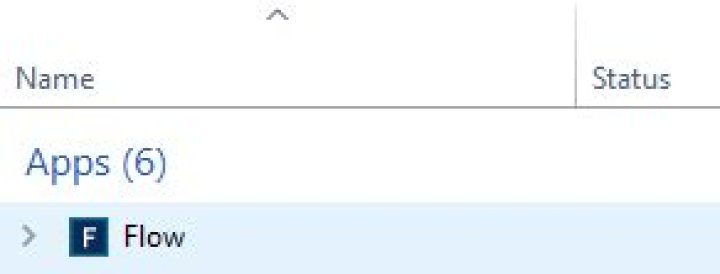
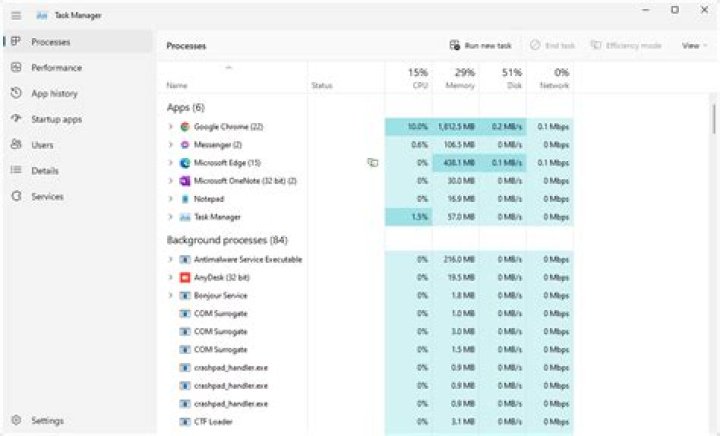
I have HP EliteBook 840 G5 with Conexant sound card. When the computer starts driver application flow.exe automatically starts.
Is there any way to run this app in background?
1 Answer
You can try this:
- Find flowsetup.ini(ex: C:\Program Files\CONEXANT\Flow)
- Find a uninstall string:"Setup.exe -U -Iflowsetup -SRM=Flow.exe" / "Setup64.exe -U -Iflowsetup -SRM=Flow.exe".
- Then copy that one you need in CMD(as administrator), go to directory C:\Program Files\CONEXANT\Flow and hit Enter.




