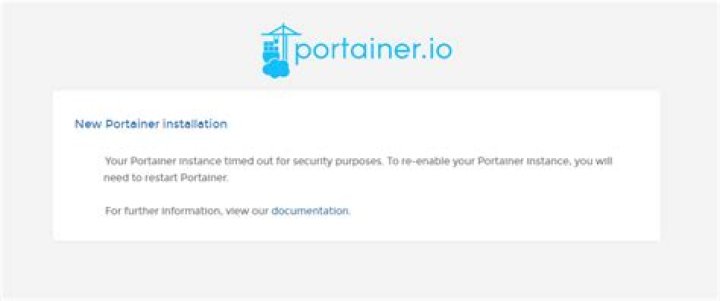
I am on Ubuntu 22 have just installed Docker and Portainer, when I try to access it via IP:9000, I get a timeout message:
"New Portainer installation Your Portainer instance timed out for security purposes. To re-enable your Portainer instance, you will need to restart Portainer.
For further information, view our documentation."
At portainer.io forum people recomend the a command:
sudo docker start portainer
No result.
Also repeating the commnad: sudo docker run -d -p 9000:9000 --name portainer --restart always -v /var/run/docker.sock:/var/run/docker.sock -v portainer_data:/data portainer/portainer
Only got a message on my SSH saying I would install another portainer, which I don't need.
On youtube tutorials, they open the IP immediately after installation, whithout the timeout bug.
Any clue?
3 Answers
I ran:
sudo docker restart portainer and it worked.
1First stop portainer
docker stop portainer
Start portainer, again
docker start portainer
For a reason I do not know, when I just restarted portainer, the prompt (see screenshot above) still persisted.
docker stop CONTAINER ID
docker start CONTAINER ID




