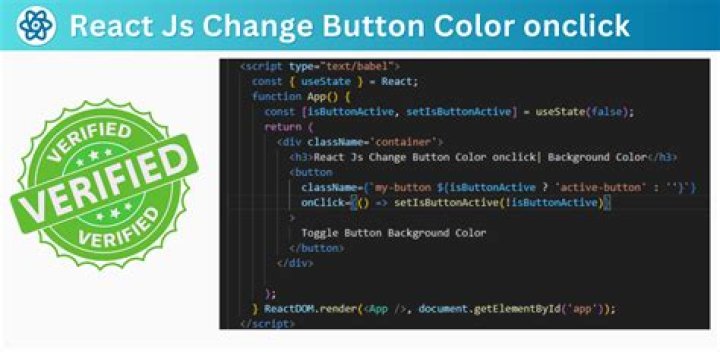

I am trying to render a paragraph as soon as the you click the button.
Here is my code.
import React, { Component } from 'react'; class App extends Component { constructor() { super(); this.createText = this.createText.bind(this); } createText() { return( <p>hello friend</p> ) } render() { return ( <div className="App"> <button onClick={this.createText}>Click</button> </div> ); } } export default App; Here I am trying to render "hello friend" when the button is clicked. But is not working.
11 Answer
This is not the correct way because createText is a event handler it will not render the element, what you need is "Conditional rendering of elements".
Check Docs for more details Conditional Rendering.
Steps:
1- Use a state variable with initial value false.
2- Onclick of button update the value to true.
3- Use that state value for conditional rendering.
Working Code:
class App extends React.Component { constructor() { super(); this.state = { isShow: false } this.createText = this.createText.bind(this); } createText() { this.setState({ isShow: true }) } render() { return ( <div className="App"> <button onClick={this.createText}>Click</button> {this.state.isShow && <p>Hello World!!!</p>} </div> ); } } ReactDOM.render(<App />, document.getElementById('app'))<script src=""></script> <script src=""></script> <div id='app' />



