
I found some weird policies on my chrome by visiting chrome://policy/ (or about:policy), like ExtensionInstallSources or ExtensionInstallWhitelist. I though it may be from some virus because on other machines with a clean chrome install the policies are empty.
i went to the win 7 registry and removed all the keys/entries that contained the policies names, but when I visit chrome://policy/ they still show up.
I even tried removing the entire \AppData\Local\Google\Chrome\User Data\ folder and the unknown extensions I had disappeared but the policies still show up.
How do I remove them?
34 Answers
Policies in Chrome are in the registry.
Is this your company computer? because if you removed it they will put it back again.
Anyway, delete the following keys:
HKEY_LOCAL_MACHINE\SOFTWARE\Policies\Google HKEY_CURRENT_USER\Software\Policies\Google i can't understand your problem, the windows registry locations of chrome policies
Windows registry location:
Software\Policies\Chromium\ExtensionInstallWhitelist Software\Policies\Chromium\ExtensionInstallSources for more information about all chrome policies go to
1To completely remove the policy, you need to do the following:
- Delete the following Windows Registry keys:
HKEY_LOCAL_MACHINE\SOFTWARE\Policies\GoogleHKEY_CURRENT_USER\Software\Policies\Google
- Uninstall Google Chrome
- Delete the contents of following folder:
%USERPROFILE%\AppData\Local\Google\Chrome - Delete the contents of following folder:
%WINDIR%\System32\GroupPolicy - Delete the contents of following folder:
%WINDIR%\System32\GroupPolicyUsers - Open the command prompt and run the following command:
gpupdate /force - Install Google Chrome
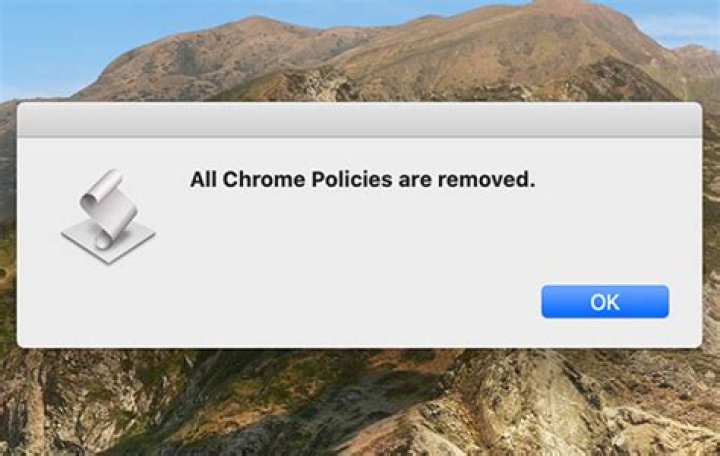
I found the solution and this ill work in mac to remove them to remove chrome policies on mac. First Go to the finder. then go to /Library/Managed Preferences/[user]/
com.google.Chrome.plist complete.plist
Remove these files and done. Please do response if it is helpful or not. Thank you




