
I wanted to install Python 3.7.2 on my MacBook Pro (2015) running Mojave and it would not install correctly and in attempt to trash the incorrect install I trashed the installed Python 2.7 version.
How do I reinstall Python 2.7 to correct my mistake and where to I go to make the correction? New to programming so very limited knowledge, now nothing works.
32 Answers
Mac comes with Python 2.7 by default. So did you mean that you downloaded Python 2 from here and deleted it, or that you uninstalled Python 2.7?
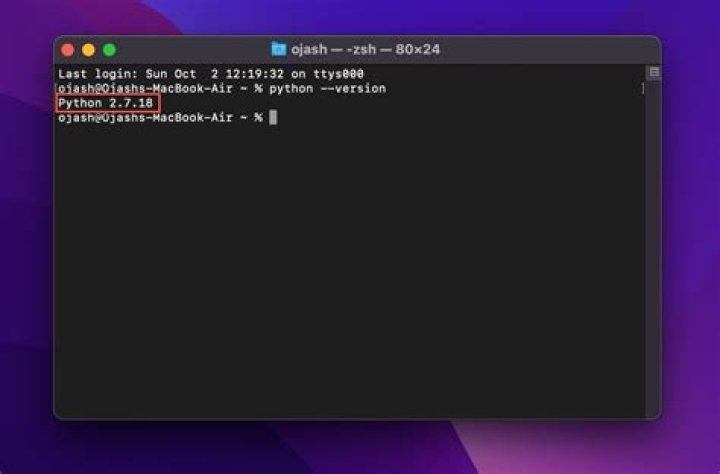
If you just downloaded the installer and deleted it, that shouldn't be a problem. Since Mac comes with Python 2 by default, if you haven't gotten rid of it, you should be able to open up a terminal and type in python to get a Python 2 prompt.
If you somehow uninstalled Python 2.7, then you can download a new copy of Python 2.7 from this page. (You probably want the "macOS 64-bit installer"). Download it and install it (I think the built-in app Installer can open it) and you should have Python 2 back again.
If you have some other issue (I'm not sure what you mean by "now nothing works") please specify in a comment, with the error messages if there are any, and I'll edit this answer.
Hope this helped!
Python2 and Python3 are not interdependent, so it doesn't matter if Python2 doesn't work. Also, there's essentially zero reasons to be using Python2 in 2020, especially for learning. Just fix the Python3 installation:




