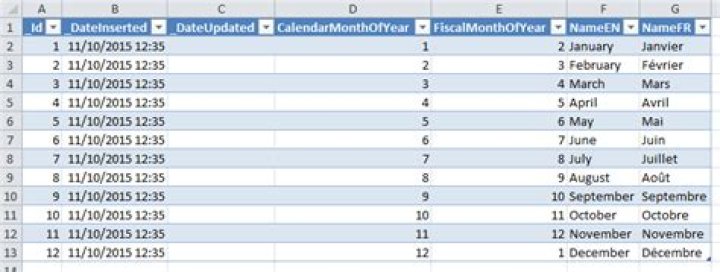
I'm trying to refresh a query on a cell change, however I can't figure out how to reference the query.
My code: Sheets("Roster Query").QueryTables(0).Refresh
Just errors out with:
Run-time error '1004':
Application-defined or object-defined error
I have a sheet named "Roster Filter" that has query table I want to refresh. How can I get that QueryTable and refresh it?
Edit: Also tried:
For Each qt In Sheets("Roster Query").QueryTables qt.Refresh Next This does not error out, but the query is not refreshed.
02 Answers
Query tables are a relic of older versions of Excel, before tables were a thing. Not sure how to even create one in Excel 2007+.
If you added your QT via the Data/Get External Data Ribbon menu, what you added was actually a ListObject.
I tested this on Sheet1, adding a simple query - Excel created the ListObject for me:
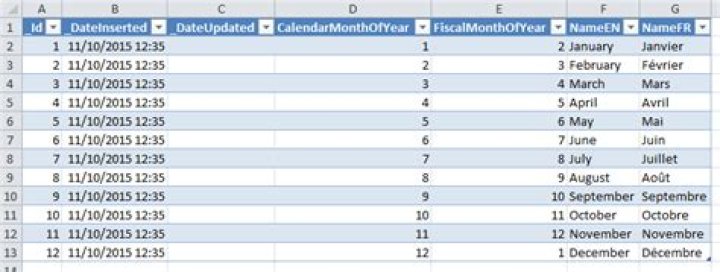
In the immediate pane, I get these results:
?Sheet1.QueryTables.Count 0 ?Sheet1.ListObjects.Count 1 And I can reproduce your exact same error:
Sheet1.QueryTables(0).Refresh 'runtime error 1004 The error is simply outrageously misleading, that's all - it should really be an index out of bounds.
The solution is to refresh the ListObject instead:
Sheet1.ListObjects(1).Refresh 'works You can access the underlying QueryTable object via the ListObject, too:
?Sheet1.ListObjects(1).QueryTable.CommandText 'gives you the query You're seeing an error because the .Item method is base 1, not base 0
For example, this worked for me in Excel 2016:
Sheets("Roster Query").QueryTables(1).Refresh So if you only have one QueryTable, it would be .QueryTables(1).




