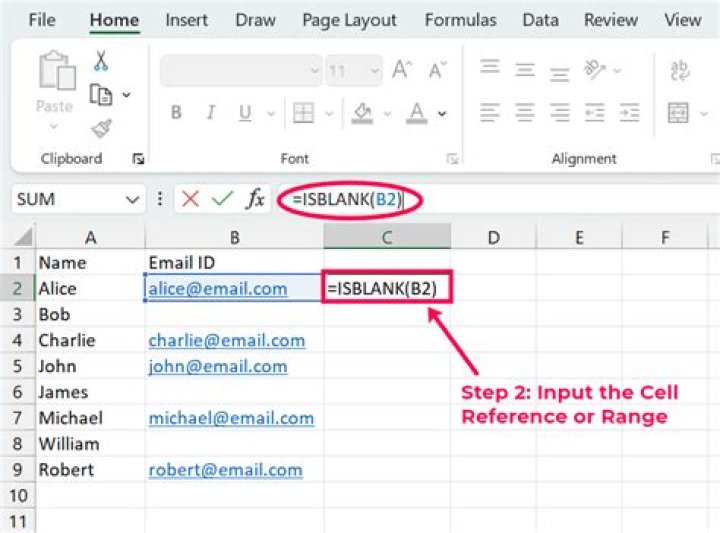

I want to do "is not blank" in a custom formula. There is a isblank() function but I can find neither an isnotblank() function nor a way to say not, such as ! or ==False.
How can I say is not blank?
04 Answers
I suggest:
=not(isblank(A1)) which returns TRUE if A1 is populated and FALSE otherwise. Which compares with:
=isblank(A1) which returns TRUE if A1 is empty and otherwise FALSE.
0The solution is isblank(cell)=false
If you're trying to just count how many of your cells in a range are not blank try this:
=COUNTA(range) Example: (assume that it starts from A1 downwards):
--------- Something --------- Something --------- --------- Something --------- --------- Something --------- =COUNTA(A1:A6) returns 4 since there are two blank cells in there.
IF(ISBLANK(B1),,A1/B1) OR
NOT(A2) 



