
I don't want an alias (alias ls='ls --color'), and I had previously set this up on Mac OSX using CLICOLOR environment variable which magically brought colors to ls. Now I am on Linux (Arch x86-64) with xterm and a really basic setup, and I can't make ls output color (using ls verbatim). I do get color when using --color switch.
Is there no way to achieve this without an alias? POSIX compliance would be nice :-)
3 Answers
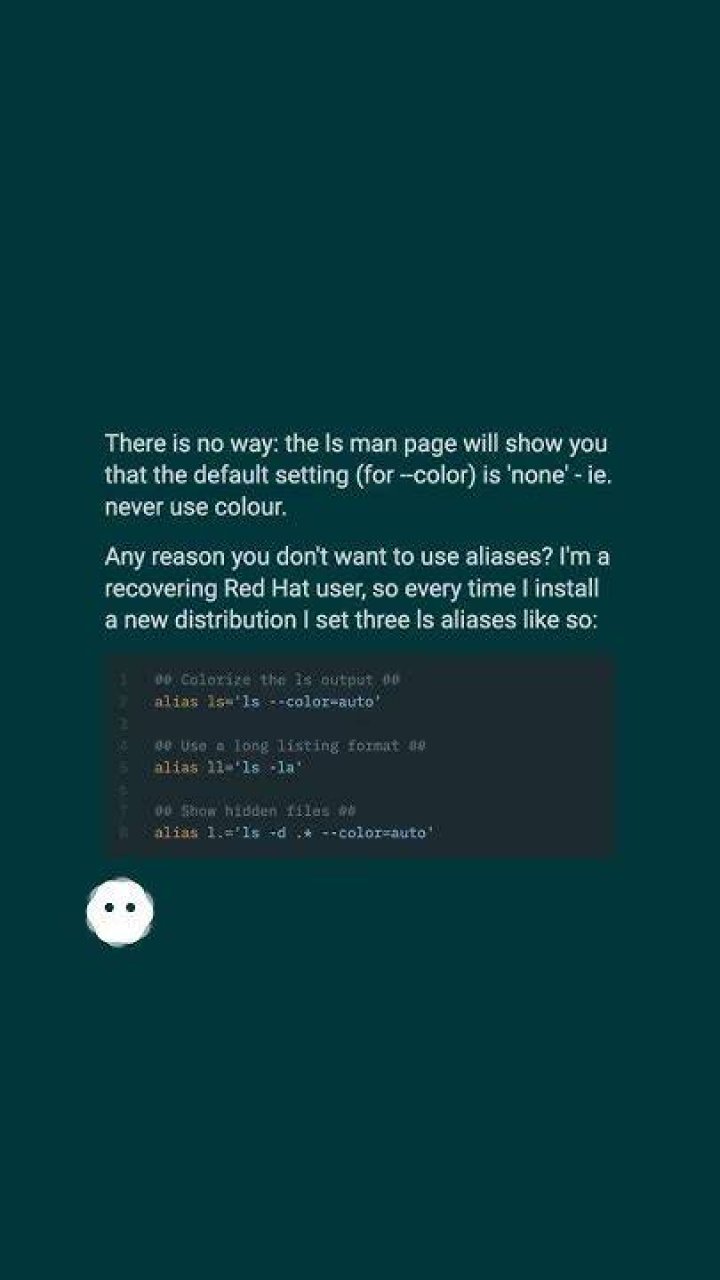
There is no way: the ls man page will show you that the default setting (for --color) is 'none' - ie. never use colour.
Any reason you don't want to use aliases? I'm a recovering Red Hat user, so every time I install a new distribution I set three ls aliases like so:
## Colorize the ls output ## alias ls='ls --color=auto' ## Use a long listing format ## alias ll='ls -la' ## Show hidden files ## alias l.='ls -d .* --color=auto' You can use the alias method so that every time you open the terminal and use ls (verbatim just ls , not ls --color), results will be coloured. You can add the alias to your .bashrc, for example, as the following command line:
alias ls='ls --color=auto' if using the -F option --color is unnecessary, for instance alias ll='ls -alF' shows colors




