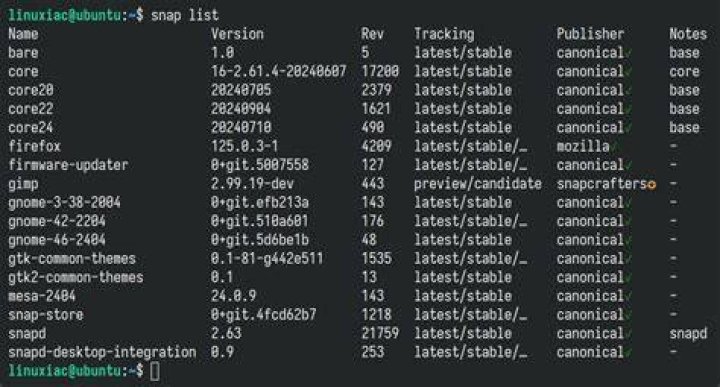

I'd like to get a list of packages installed manually by snap and be able to find out whether a foobar package was installed manually by system installer.
For example:
$ snap list Name Version Rev Tracking Publisher Notes canonical-livepatch 9.5.5 95 latest/stable canonical✓ - core 16-2.45.2 9665 latest/stable canonical✓ core core18 20200707 1880 latest/stable canonical✓ base discord 0.0.10 109 latest/stable snapcrafters - gnome-3-28-1804 3.28.0-17-gde3d74c.de3d74c 128 latest/stable canonical✓ - gnome-3-34-1804 0+git.3009fc7 36 latest/stable/… canonical✓ - gtk-common-themes 0.1-36-gc75f853 1506 latest/stable/… canonical✓ - ripgrep 12.1.0 9 latest/stable icey classic simplenote 1.20.0 368 latest/stable snapcrafters - slack 4.7.0 25 latest/stable slack✓ classic snap-store 3.36.0-80-g208fd61 467 latest/stable/… canonical✓ - snapd 2.45.2 8542 latest/stable canonical✓ snapd zoom-client 5.1.422789.0705 92 latest/stable ogra - Here, core, core18 were not manually installed by me (at least not explicitly), so my try was:
$ snap list | grep -v Publisher | grep -v canonical | awk '{print $1}' | tr '\n' ' ' discord ripgrep simplenote slack zoom-client However, I'm not sure if this is the right way to exclude automatically installed packages. Is there any neat way of doing that from the command line?
1 Reset to default