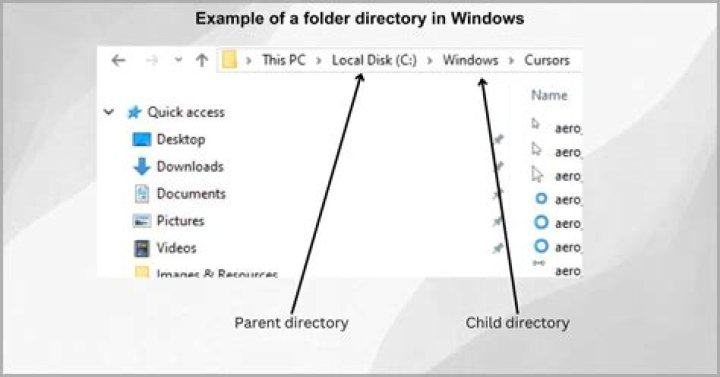

My professor showed me how to list the directories above the current working directory using the cd command. I thought it was cd ..[tab] but this lists commands in my current directory.
13 Answers
I am assuming you just want to list directories on the parent of the current directory, you can use find:
find .. -maxdepth 1 -type d -not -name '..' Alternately, you can use ls:
ls -p .. | grep '/$' Or shell:
echo ../*/ or elaborately:
for i in ../*; do [ -d "$i" ] && echo "$i"; done Or in zsh using glob qualifier / (redundant though :)):
echo ../*(/) cd .. navigates to directory above your current working directory in the tree.
For example,
home:$ pwd /home home:$ cd .. :$ pwd / As for listing directories in the parent directory, heemayl's answer sufficiently covers that. I'll just throw in another one:
stat ../* --format="%n %F" | awk '/directory/' If you want to list contents of "above" working directory (parent directory) use:
ls .. However, it shows both files and directories of the parent folder.
1



