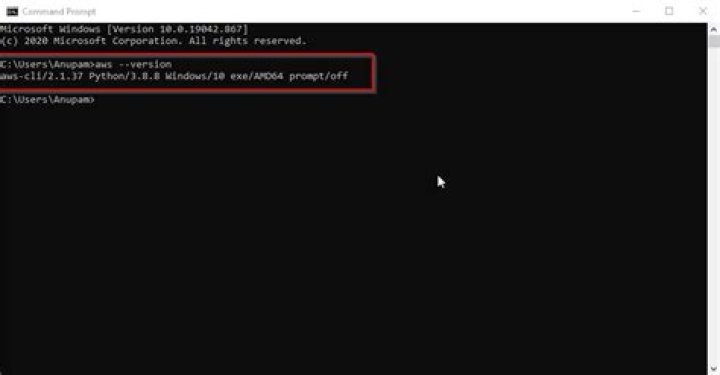

Most questions that I've come across on this issue solve it by using Python package managers, but these are all outdated methods that install the Version 1 of the AWS CLI command-line tool.
I tried following Amazon's documentation to install Version 2 of AWS CLI on Cygwin, but when running the install script:
./aws/install I get the error:
./aws/install: line 78: /cygdrive/d/Users/User/Desktop/aws/dist/aws: cannot execute binary file: Exec format error I believe this means that the the binary in question was designed to be run on Linux, even though I recall using this method to install the tool on Windows 7 just a few months ago.
The only other method that I can see is to use the MSI installer, but this is messy for two reasons:
It won't be a case of a few binaries that I can move into
/bin, but a directory full of dependencies that probably shouldn't be moved or messed withI can't use the MSI to install it directly to my Cygwin because of permissions errors ("The installer has insufficient privileges to access this directory") and I'm wary of changing the permissions of the Cygwin directory recursively because I've been burnt by that before
So as of 2020, what is the best and cleanest way to install Version 2 of the AWS CLI for Cygwin?
1 Answer
The solution I opted for in the end was to install the MSI installer for Windows. Although this results in the binary being installed to C:\Program Files rather than directly to Cygwin's /bin directory like I would have liked, the installer automatically adds the binary to the PATH so it can be immediately run from within a Cygwin shell (you may need to reboot to get Windows to recognise the changed PATH).




