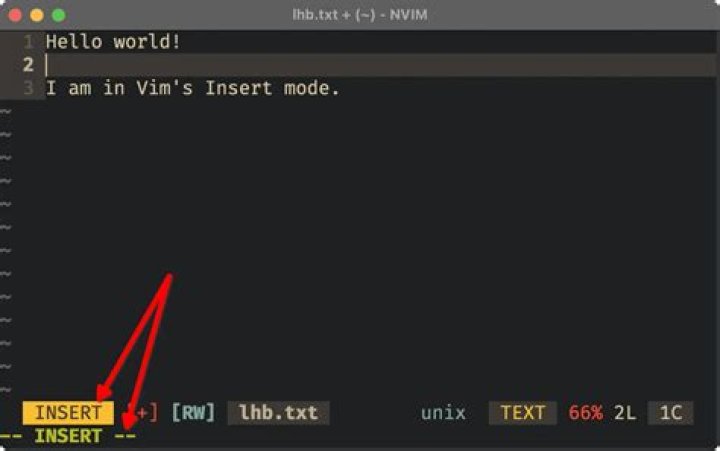

Given this vim session:
% vim test-file.txt iHello there!C-x C-s How do I get back to insert/command mode again? (C-x C-s means Control-x Control-s, not sure if it's normal vi terminology for keyboard shortcuts)
I know there's some way to get out of this and into insert/command mode again, but I just can't remember how and searching Google or superuser hasn't yielded me anything.
This happens since I mostly use emacs, but I use vim for remote hosts where I don't have emacs installed. Occasionally I do this and I figured I should learn how to get out instead of just restarting the terminal every time.
22 Answers
C-q. in a console C-s is scroll lock, resume is C-q
0If C-q does not work, this has worked for me:
- (1) close the console,
- (2) open a new terminal,
- (3) reopen the file in vi,
- (4) vi will warn you that the file is already open
- (5) enter 'R' for retry and save with
w-q




