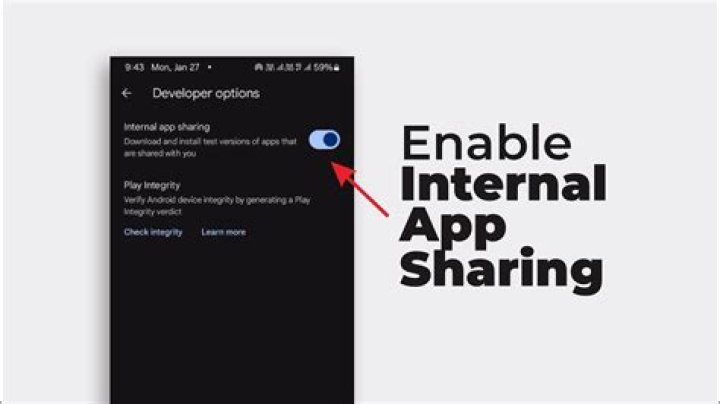
Google APIs are not working with Internal App Sharing, this might be due to the Google Play App re-signing which is mentioned in Share app bundles and APKs internally
How can I get Internal App Sharing key SHA1 to add on Google API console?
4 Answers
You can find the Internal App signing key under Development Tools -> Internal app sharing -> App Certificates on Google Play Console after submitting your App.
You can get key by pragmatically by doing this surround with try catch
private void printKeyhas() { PackageInfo info = getPackageManager().getPackageInfo(getPackageName()),PackageManager.GET_SIGNATURE); for(Signature signature.info.signature) { MessageDigest md = MessageDigest.getInstanse("SHA"); md.update(signature.toByteArray()); log.d("KEY_HASH",Base64.encodeToString(md.digest(),Base64.DEFAULT)); } } You can find App Certificates on Google Play Console , Release Management -> App Releases -> Manage Internal app sharing -> App Certificates.  Copy SHA-1 certificate fingerprint that is used to add in Google Cloud Platform with your associated API Keys like Map Key, Device Verification key.
You can easily generate Keyhash(ssh) through SHA-1 fingerprint by following command of OpenSSL
echo < Genrated SHA1 Fingerprint> | xxd -r -p | openssl base64
Keyhash is used on facebook dev console
Type this in your console or command prompt :
keytool -list -v -keystore C:\Users\Hp\.android\debug.keystore -alias androiddebugkey -storepass android -keypass android 



