
I'm using google colab for running python code and trying to downscale images.
from keras.layers import Lambda import tensorflow as tf from skimage import data, io, filters import numpy as np from numpy import array from numpy.random import randint from scipy.misc import imresize import os import sys import matplotlib.pyplot as plt plt.switch_backend('agg') # Takes list of images and provide LR images in form of numpy array def lr_images(images_real , downscale): images = [] for img in range(len(images_real)): images.append(imresize(images_real[img],[images_real[img].shape[0]//downscale,images_real[img].shape[1]//downscale], interp='bicubic', mode=None)) images_lr = array(images) return images_lr It should downscale the images but show this error.
1from scipy.misc import imresize ImportError: cannot import name 'imresize'
7 Answers
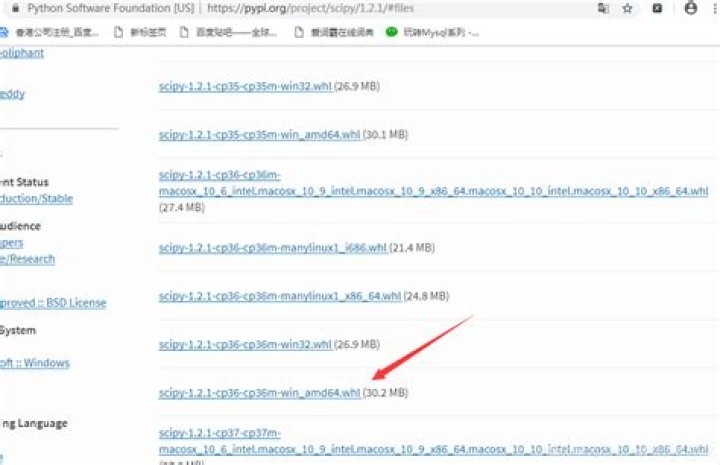
install scipy 1.1.0 by :
pip install scipy==1.1.0 It is deprecated. Use cv2 resize function instead
import cv2 size = (80,80) cv2.resize(img, size) You can use pillow as suggested in the comments. The changes for your code would be as mentioned below:
import PIL images.append(np.array(PIL.Image.fromarray(images_real[img]).resize( [images_real[img].shape[0]//downscale, images_real[img].shape[1]//downscale],resample=PIL.Image.BICUBIC))) If your image is represented as a float you will get an error saying "Cannot handle this data type". In which case you need to convert the image to uint format like this:
images.append(np.array(PIL.Image.fromarray( (images_real[img]*255).astype(np.uint8)).resize( [images_real[img].shape[0]//downscale, images_real[img].shape[1]//downscale],resample=PIL.Image.BICUBIC))) This work for me... In the imports i changed this:
from scipy.misc import imresize for this:
from skimage.transform import resize and example of the implementation i changed:
this:
img = imresize(img, (150, 150, 3)).astype('float32')/255. for this:
img = resize(img, (150, 150, 3)).astype('float32')/255. i hope this will help you too...
You can try this one:
skimage.transform.resize
First, import resize:
from skimage.transform import resize
Then pass in the image, x/y size values (half the original in this example) and anti-aliasing set to true to prevent aliasing artifacts:
image_resized = resize(image, (image.shape[0] // 2, image.shape[1] // 2), anti_aliasing=True)
imresize is not available after 1.3.0.
You can use Image.resize from PIL.
install pilow:
pip install Pillow Then import
from PIL import Image.resize as imresize I had a similar problem and solve like this:
import scpy and the used the functio as it is scipy.misc.imresize(args) Paulo
1



