I recently bought a smart thermostat which connects to my wifi. I can control the device through an app on my phone.
The app leaves something to be desired and I'd like to write my own scripts on my desktop PC to connect with the device in order to control and log data from it.
I can see the device's MAC address and IP address on my connected devices list on my routers admin interface but I'm unable to work out which port the device uses to communicate with the app on my phone.
If there were a desktop app for the device, I would just use fiddler to sniff the traffic, but seeing as the app is on my phone I'm not aware of an alternative.
I've tried multiple port scanners and scanned all ports on the device's IP but with no results.
How can I find out how the app communicates with the device, in order to reverse engineer it?
Extra details: The app from the manufacturer is on android, and I'd like to communicate with the device from a windows PC.
Edit: I tried following the instructions here: to redirect my phone's traffic through fiddler. While using the browser on my phone, I can see the traffic being logged in fiddler, but when using the thermostat app, nothing is logged. Strange.
61 Answer
To find out which port is used from your app you could either sniff your devices connections while you use the app (linkl in the comment from Saaru Lindestøkke) or you install a terminal emulator on your android phone and use the netstat command.
netstat -lt lists all ports your device or software is listening on and waiting for TCP connections (netstat -lu does the same for UDP connections).
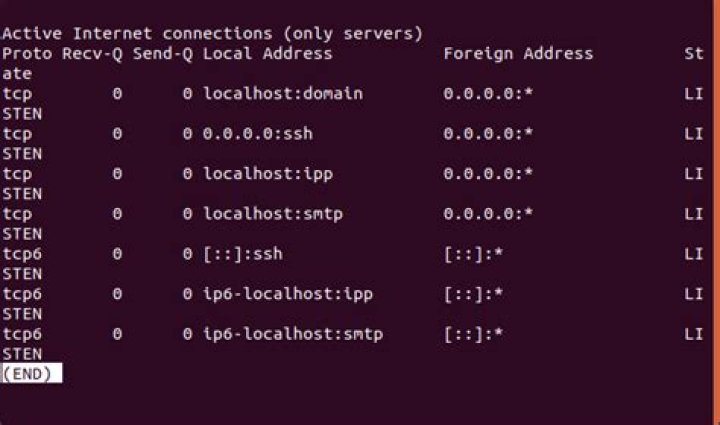
netstat -t lists all currently ongoing TCP connections. use this command while using the app to see the ports in use from this specific app. (netstat -u for UDP)




