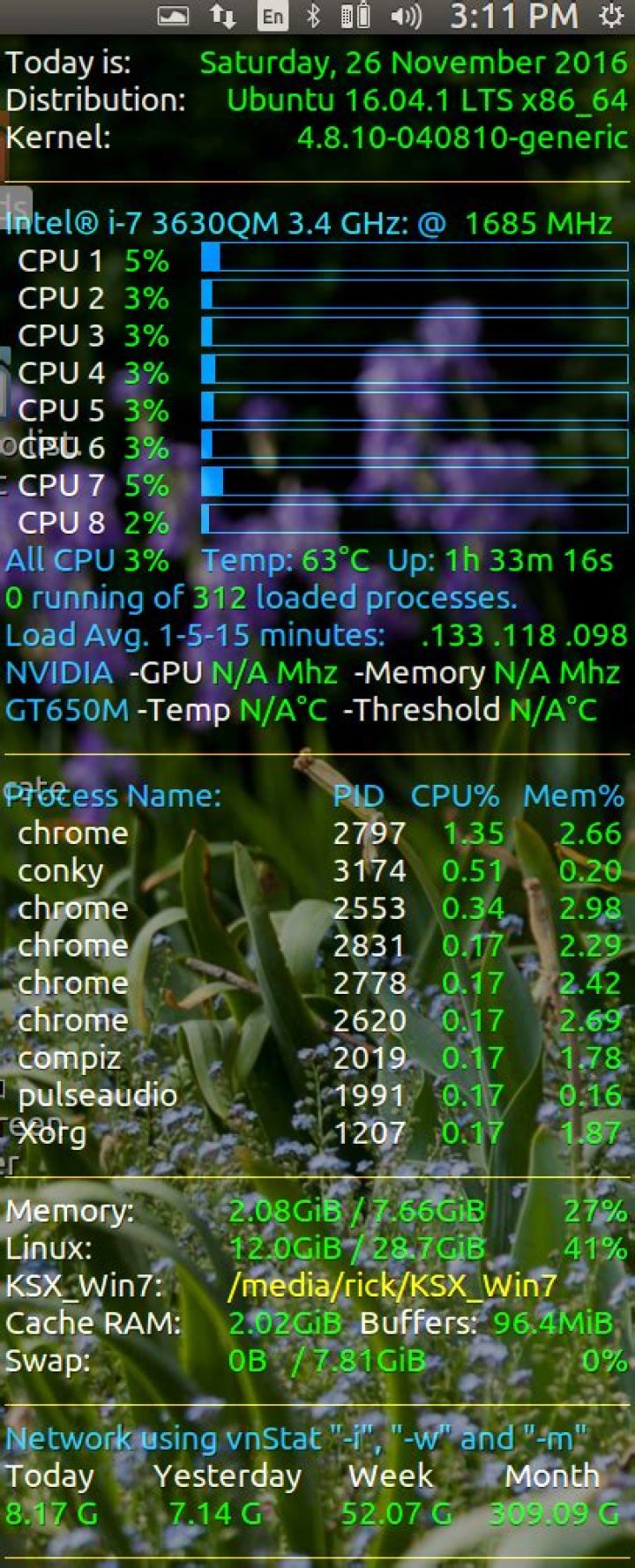
I am using conky&conkyforecast to have a nice widget containing some system information and weather data.
But I can see that the temperature that conky shows is different than the one I get running in terminal sensors.
Conky script line: Temperature: ${alignr}${acpitemp}°C
Running sensors in terminat gets this:
florin@florin-Satellite-C650:~$ sensors acpitz-virtual-0 Adapter: Virtual device temp1: +49.0°C (crit = +110.0°C) coretemp-isa-0000 Adapter: ISA adapter Core 0: +51.0°C (high = +80.0°C, crit = +90.0°C) Core 2: +60.0°C (high = +80.0°C, crit = +90.0°C) Conky shows 49° temperature.
How can I make them show the same temperature? What does conky show over there?
Thanks a lot!
6 Answers
Temperature from command line
To find out the temperature, use:
# Ivybridge Intel i7-3630QM $ cat /sys/class/thermal/thermal_zone*/temp 69000 69000 67000 # Skylake Intel i7-6700HQ using paste after zone names $ paste <(cat /sys/class/thermal/thermal_zone*/type) <(cat /sys/class/thermal/thermal_zone*/temp) | column -s $'\t' -t INT3400 Thermal 20000 SEN1 53000 SEN2 49000 SEN3 53000 SEN4 55000 pch_skylake 70000 B0D4 47000 x86_pkg_temp 48000 Temperature with Conky
Within conky the system variable I used to monitor an Ivy Bridge CPU is:
${hwmon 2 temp 1}°C To monitor a Skylake CPU I initially used:
${hwmon 0 temp 1}°C A few months later (possibly due to new kernel) on the same Skylake CPU I switched to:
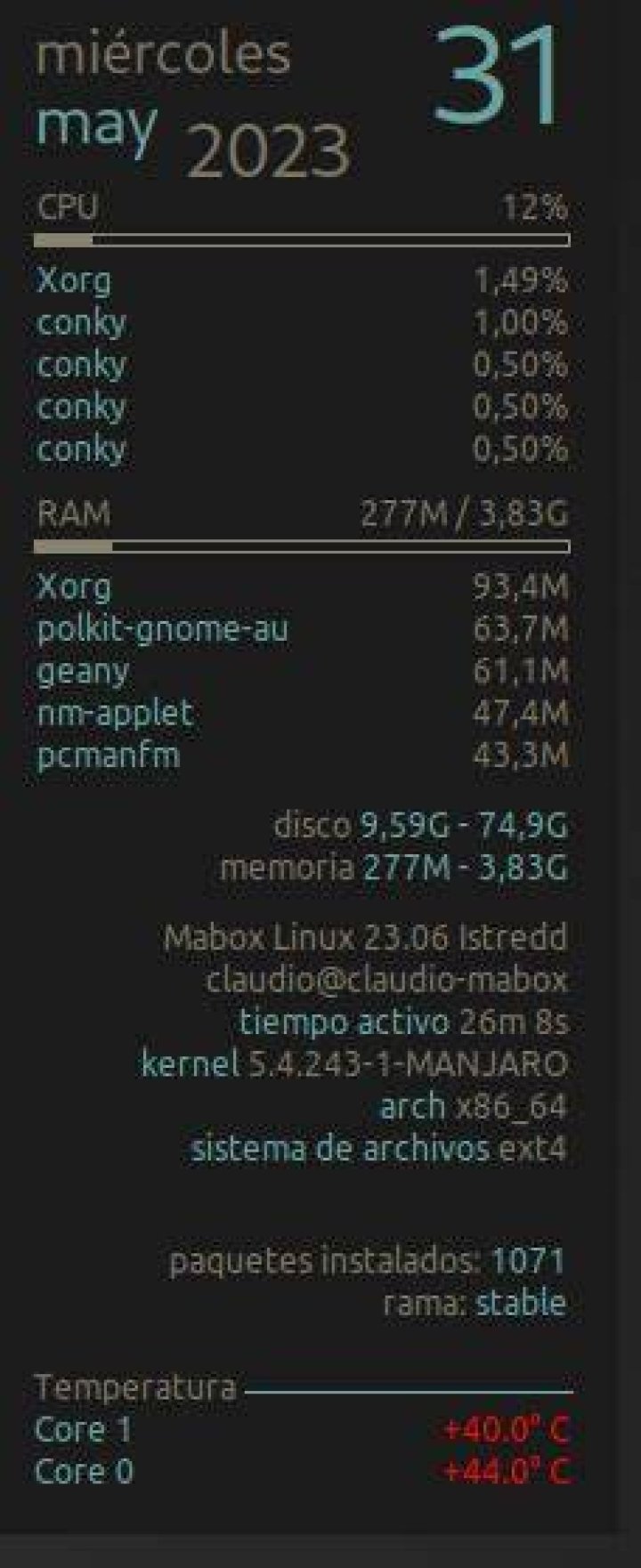
${hwmon 1 temp 1}°C The display looks like this:
I found that this worked for me:
${platform coretemp.0 temp 1} This reads the temperature info from /sys/devices/platform/coretemp.0/temp1_input.
Another possible solution is:
${exec cat /sys/devices/platform/coretemp.0/temp1_input | cut -c-2 } or if that doesn't work:
${exec cat /sys/devices/platform/coretemp.0/hwmon/hwmon1/temp1_input | cut -c-2 } Another possible solution is:
$(exec sensors | grep 'Package id' | awk '{print $4}') Output:
+33.0°C ${exec sensors | grep 'Package id' | awk '{print $4}'}
Sensors CPU: ${exec sensors | grep 'Package id' | awk '{print $4}'}
A simple one liner:
cd /sys/bus/platform/drivers/coretemp/coretemp.0/hwmon/hwmon*;for i in $(ls -1 temp*_label|cut -b 5);do tempSensor=$(cat temp"$i"_label);tempVal=$(cat temp"$i"_input);echo $tempSensor" "$tempVal;done;cd $OLDPWD