
I use the combination of Flashgot and wget for downloads. I reset my Firefox preferences due to some other problems. Then I reconfigured everything (including add-ons, cache, etc).
After that, when I tried to download something, it automatically saved into the "Videos" folder. But before resetting the settings, I could download items to "Downloads".
What should I do to make the default directory of wget to "Downloads"?
2 Answers
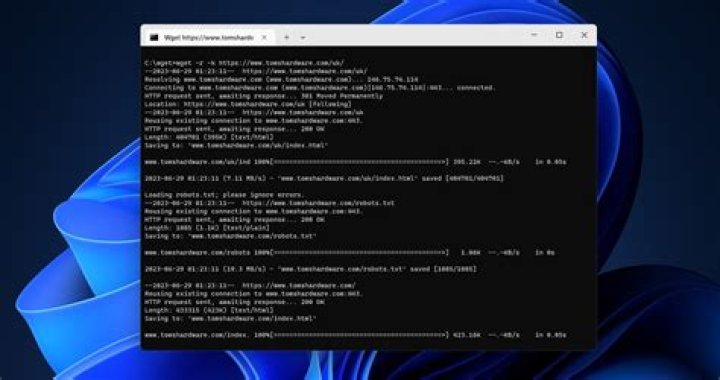
wget by default will store downloads to the current directory where you run the wget command.
Method 1: Pass the -P option to specify a download directory
To change the directory, you need to add the
-Pargument in your wget command:wget -P /path/to/directory <download-url>Or
wget --directory-prefix=prefix <download-url>where prefix is the directory where you want the downloads to be stored.
With this method, you need to specify the
-Por--directory-prefix=prefixevery time you download.
Method 2: Use alias to make a permanent default directory
To set a permanent default download directory, you can use
alias, like this:alias wget='wget --directory-prefix=prefix'Change
prefixwith the directory you want and put the alias command on.bashrcto make it permanent.
As far as I was aware wget usually downloads into the current working directory. You have the following options to specify the directory.
1.Change to the directory you wish it to be downloaded to first then run your wget command.
cd /home/yourname/Downloads Then run your wget command
wget 2.Add the directory to the wget command like this.
wget -P /home/yourname/Downloads