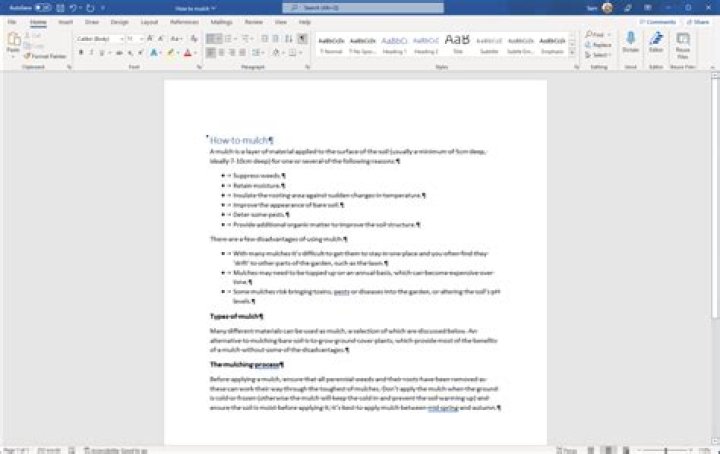
I have a document with headings already and I wish to change the format of one heading. (Imagine the heading is Chapter x and I want to make it Capitulo x) How can you do that?
Now before someone tells me "google it" I have already done it and got for example this or this Problem is that does not work at all. It says how to change the style but not the text.
Currently I have right clicked the heading style and I got this (sorry not english)
I want to change that "1章" to "Chapter 1" Where can I find the text of this?
41 Answer
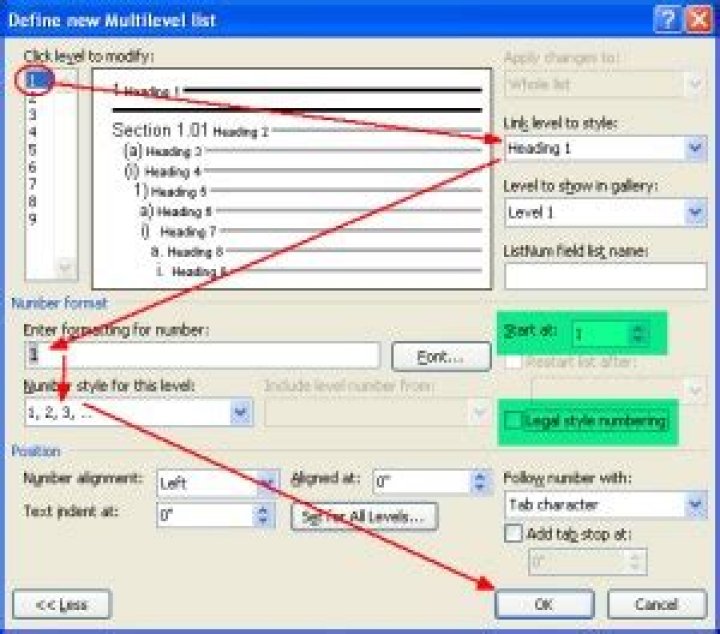
You can add words (section, Chapter, etc.) to the headings from the "Define New Multilevel list" dialog.
You should set up all of your headings here, assigning them, their indents, leading test, and most important here, giving the "Listnum" field a name value (my example doesn't have one).
Always make change to a heading's indents and tabs here. If you use the paragraph style editor to do so, you'll come to grief when Word blows up your heading formats (learnt via hard lesson).