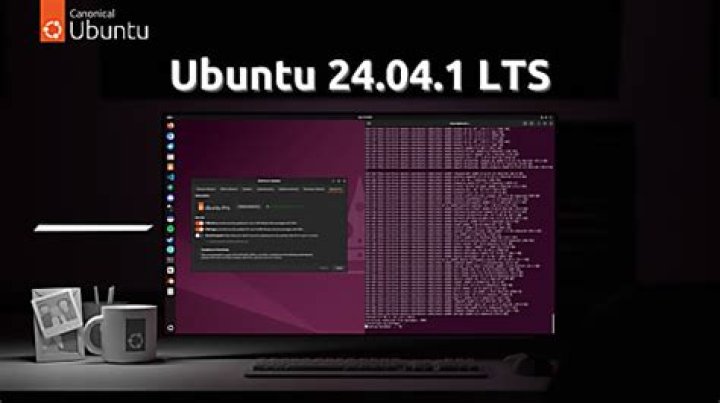
How to change the dark purple color of terminal emulator background? And can we place any image or photo instead of that purple color.
2 Answers
Right click on terminal screen, then "Profiles" - "Profile preferences" - "color" - "background color".
Have fun :)
Edit: If you want a picuture, go to "Profiles" - "Profile preferences" - "Background" - "Background image" :)
2Go to Edit / Preferences. Make sure to uncheck Use colors from system theme, than you can change the schemes