How to change iTerm2 shell via CLI?
I want to change the user's iTerm2 preferences.
- I've taken a snapshot of iTerm2's preferences:
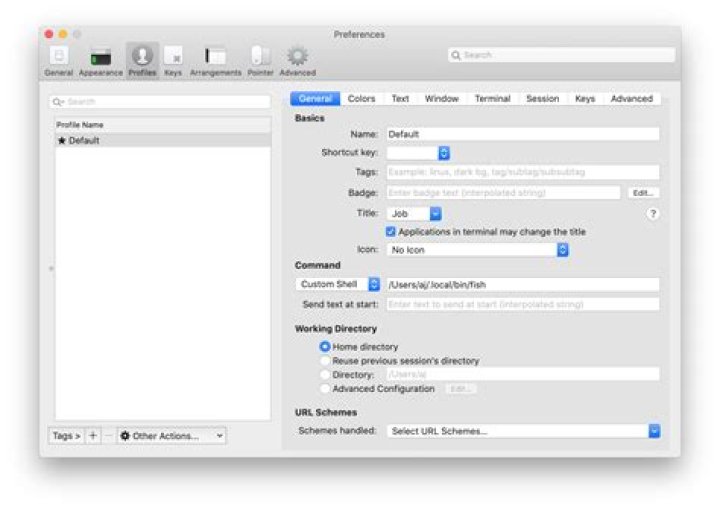
defaults read com.googlecode.iTerm2 > iTerm2.original.defaults - Then I've changed them in the GUI:
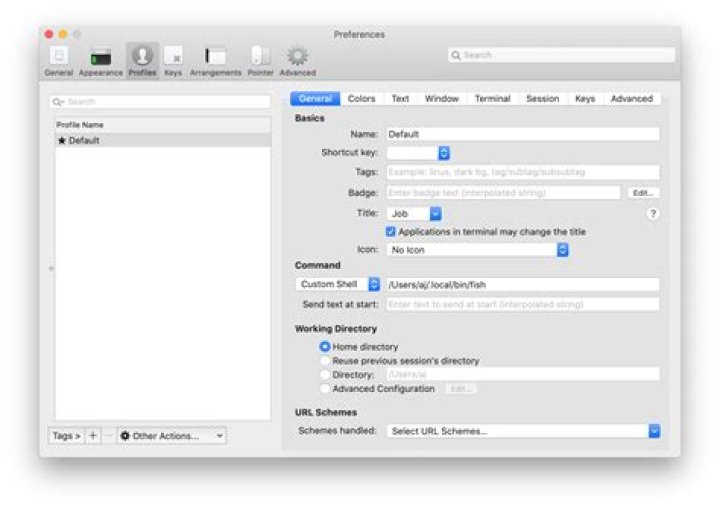
- And then I've made another snapshot:
defaults read com.googlecode.iTerm2 > iTerm2.updated.defaults - I can see that the difference is in "New Bookmarks" (though this seems like a rather odd name for a preference change...):
{ ... "New Bookmarks" = ( { ... Command = "/Users/aj/.local/bin/fish"; "Custom Command" = "Custom Shell"; ) }
I have no idea how I can change an array like that - or if it's even possible with the defaults command. Is there another way?
For reference
I do know how to do this with Terminal.app and with Unix commands. That's NOT what I'm looking for.
I do NOT want to change /etc/shells and etc/passwd.
I've also opened an issue about this at
Changing the Shell in Terminal.app
defaults write com.apple.Terminal "Shell" -string "/Users/me/.local/bin/fish" Changing the user's default Shell
MY_FISH="$(which fish)" if ! grep "$MY_FISH" /etc/shells; then sudo 'bash echo "$MY_FISH" >> /etc/shells' fi sudo chsh -s "$(which fish)" "$(whoami)" 1 Answer
plutil and PlistBuddy
plutil can be used to extract the current values and PlistBuddy can be used to write new ones.
Using plutil and PlistBuddy I was able to determine that "New Bookmarks" IS where the profile preferences are saved.
plutil
plutil -extract "New Bookmarks".0."Command" xml1 -o - ~/Library/Preferences/com.googlecode.iterm2.plist <?xml version="1.0" encoding="UTF-8"?> <!DOCTYPE plist PUBLIC "-//Apple//DTD PLIST 1.0//EN" ""> <plist version="1.0"> <string>/Users/aj/.local/bin/fish</string> </plist> plutil -extract "New Bookmarks".0."Custom Command" xml1 -o - ~/Library/Preferences/com.googlecode.iterm2.plist <?xml version="1.0" encoding="UTF-8"?> <!DOCTYPE plist PUBLIC "-//Apple//DTD PLIST 1.0//EN" ""> <plist version="1.0"> <string>Custom Shell</string> </plist> PlistBuddy
/usr/libexec/PlistBuddy -c "SET ':New Bookmarks:0:Custom Command' 'Custom Shell'" ~/Library/Preferences/com.googlecode.iterm2.plist /usr/libexec/PlistBuddy -c "SET ':New Bookmarks:0:Command' $HOME/.local/bin/fish" ~/Library/Preferences/com.googlecode.iterm2.plist 



