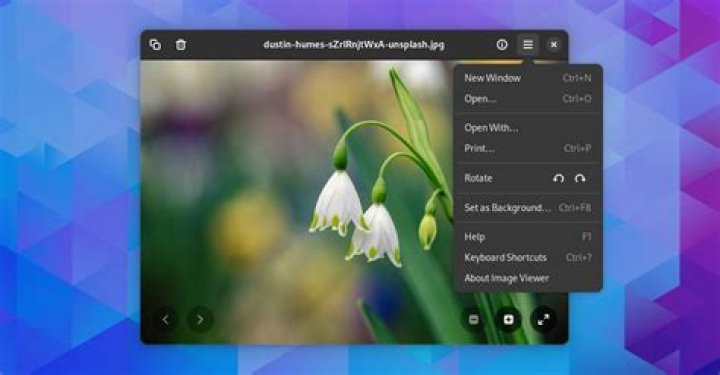

WebP image files are becoming more and more common on the web. Eye of GNOME (eog) doesn't support it out-of-the-box. Some browsers do, and ImageMagick just installing webp package (magick/convert -list format).
A simple search let you to webp-pixbuf-loader but might be not that easy for beginners.
Reference
Old issue on Bugzilla: Bug 700751 – Support of images in format "WebP" in EOG.
Newer issue on GitLab: Cannot open WebP file.
eog uses GDK-PixBuf, which does not provide support for most formats itself (due to maintainability), but instead has support for formats added by the libraries that actually implement the image format. Currently libwebp, the library in question, does not provide any loader for GDK-PixBuf, but the linked repository () provides one.
Downstream on Launchpad on gdk-pixbuf (duplicated on libwebp) and eog.
On Debian
1 Answer
Follow these steps to add support for WebP to Eye of GNOME:
Prebuild
sudo apt install git meson ninja-build cd /tmp/ git clone cd webp-pixbuf-loader/ sudo ln -s /usr/lib/*/gdk-pixbuf-2.0/gdk-pixbuf-query-loaders /usr/bin/gdk-pixbuf-query-loaders #Build on Debian/Ubuntu
meson builddir -Dgdk_pixbuf_query_loaders_path=/usr/lib/x86_64-linux-gnu/gdk-pixbuf-2.0/gdk-pixbuf-query-loaders ninja -C builddirInstall
sudo ninja -C builddir installTest
wget -O /tmp/samplefile.webp "" eog /tmp/samplefile.webp
Default app for .webp (image/webp internet media type)
From EOG issue eog.desktop doesn't include webp mimetype:
After installing eog loads webp images properly... but it is still not added as supported mime type to the .desktop file and, as a consequence, is not offered by default to open those images
To fix this:
# Get info xdg-mime query filetype /tmp/samplefile.webp # MIME type of the file: image/webp xdg-mime query default image/webp # .desktop filename of the application which is registered # Set open .webp with eog xdg-mime default org.gnome.eog.desktop image/webp # Ask the desktop environment to make application the default application for opening files of type mimetype: Search on ~/.local/share/applications/ (user-wide) or /usr/share/applications/ (system-wide). sudo update-mime-database /usr/share/mime # Apply system-wide # Test xdg-open /tmp/samplefile.webp Of course, change org.gnome.eog.desktop to whatever you want.
See also
- Cannot open 90% of recently saved images (webp format)
- Which image-viewers in linux support the `webp` image format?
- URL protocol handlers in basic Ubuntu Desktop
- The promissing format JPEG-XL/JXL is supported by ImageMagick's jpeg-xl




