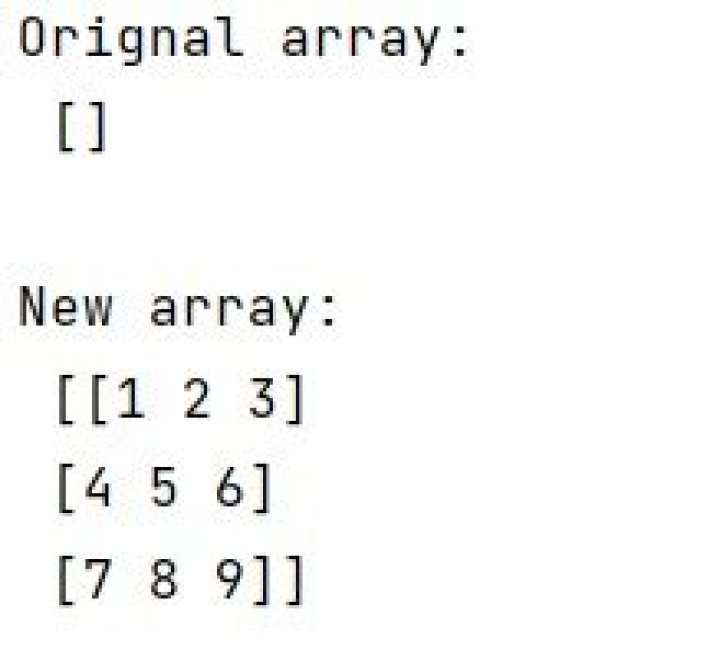

Using standard Python arrays, I can do the following:
arr = [] arr.append([1,2,3]) arr.append([4,5,6]) # arr is now [[1,2,3],[4,5,6]] However, I cannot do the same thing in numpy. For example:
arr = np.array([]) arr = np.append(arr, np.array([1,2,3])) arr = np.append(arr, np.array([4,5,6])) # arr is now [1,2,3,4,5,6] I also looked into vstack, but when I use vstack on an empty array, I get:
ValueError: all the input array dimensions except for the concatenation axis must match exactly So how do I do append a new row to an empty array in numpy?
47 Answers
The way to "start" the array that you want is:
arr = np.empty((0,3), int) Which is an empty array but it has the proper dimensionality.
>>> arr array([], shape=(0, 3), dtype=int64) Then be sure to append along axis 0:
arr = np.append(arr, np.array([[1,2,3]]), axis=0) arr = np.append(arr, np.array([[4,5,6]]), axis=0) But, @jonrsharpe is right. In fact, if you're going to be appending in a loop, it would be much faster to append to a list as in your first example, then convert to a numpy array at the end, since you're really not using numpy as intended during the loop:
In [210]: %%timeit .....: l = [] .....: for i in xrange(1000): .....: l.append([3*i+1,3*i+2,3*i+3]) .....: l = np.asarray(l) .....: 1000 loops, best of 3: 1.18 ms per loop In [211]: %%timeit .....: a = np.empty((0,3), int) .....: for i in xrange(1000): .....: a = np.append(a, 3*i+np.array([[1,2,3]]), 0) .....: 100 loops, best of 3: 18.5 ms per loop In [214]: np.allclose(a, l) Out[214]: True The numpythonic way to do it depends on your application, but it would be more like:
In [220]: timeit n = np.arange(1,3001).reshape(1000,3) 100000 loops, best of 3: 5.93 µs per loop In [221]: np.allclose(a, n) Out[221]: True Here is my solution:
arr = [] arr.append([1,2,3]) arr.append([4,5,6]) np_arr = np.array(arr) In this case you might want to use the functions np.hstack and np.vstack
arr = np.array([]) arr = np.hstack((arr, np.array([1,2,3]))) # arr is now [1,2,3] arr = np.vstack((arr, np.array([4,5,6]))) # arr is now [[1,2,3],[4,5,6]] You also can use the np.concatenate function.
Cheers
2using an custom dtype definition, what worked for me was:
import numpy # define custom dtype type1 = numpy.dtype([('freq', numpy.float64, 1), ('amplitude', numpy.float64, 1)]) # declare empty array, zero rows but one column arr = numpy.empty([0,1],dtype=type1) # store row data, maybe inside a loop row = numpy.array([(0.0001, 0.002)], dtype=type1) # append row to the main array arr = numpy.row_stack((arr, row)) # print values stored in the row 0 print float(arr[0]['freq']) print float(arr[0]['amplitude']) In case of adding new rows for array in loop, Assign the array directly for firsttime in loop instead of initialising an empty array.
for i in range(0,len(0,100)): SOMECALCULATEDARRAY = ....... if(i==0): finalArrayCollection = SOMECALCULATEDARRAY else: finalArrayCollection = np.vstack(finalArrayCollection,SOMECALCULATEDARRAY) This is mainly useful when the shape of the array is unknown
I want to do a for loop, yet with askewchan's method it does not work well, so I have modified it.
x = np.empty((0,3)) y = np.array([1,2,3]) for i in ... x = np.vstack((x,y)) This is more efficient way when taking into account memory:
shape = (n, inp_len) arr= np.empty(shape) for i in range(n): arr[i] = np.expand_dims(arr, axis=0) 



