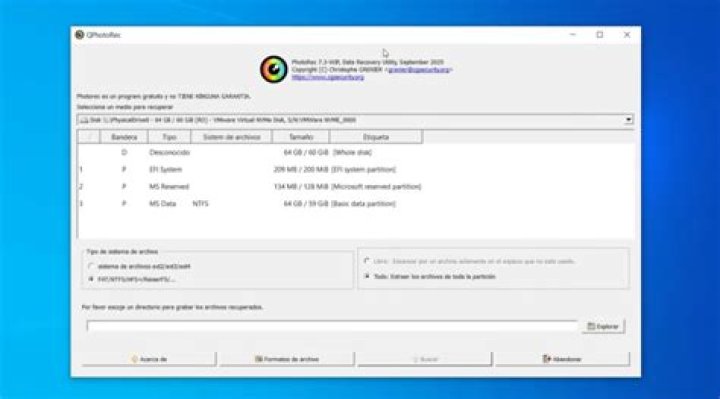

I'm using Ubuntu 14.04 in my machine. By accidentally I've deleted some files. So I search in Internet about,how to recover the deleted files. So I got a solution as photorec. But I have some doubt in this,
- How does it internally work?
- If the file header is also lost, then how it will recover the data?
- Why the recovered file name is different from original file?
- How it will find the first block of the deleted file?
For that I read in the link, How PhotoRec works. But I can't understand it clearly, So any one please explain it and clarify my doubts. Also I need to know the steps to use it.
11 Answer
I've used Photorec a lot, and while it is hit-or-miss at times it always seems to recover more than I imagined. I can't speak for how it internally works, although their site says you can download the source there.
When you delete a file, the OS generally does not actually wipe the data. Instead, it removes the file's metadata (data about the file) from the file table on that partition. It's the equivalent to tearing a page out of a phonebook: the people are still there but we can't call them because we don't know their name, number, or where they live. This is why the filenames it recovers are not the original names.
Without a header, it attempts to scan the drive for identifiers of particular file types. For instance, Word files, JPEGs, etc all have a certain pattern of data in the file which identifies it as such. Photorec sees this and realizes it's that type of file.
Give it a try and see what it recovers. Expect to let it run for a good many hours, depending on the size of your drive. And, of course, make certain you are recovering to a different drive than your files were deleted from. Otherwise you will overlay the data you are trying to get back.
11



