
How exactly do you zoom in and out for the actualy code in jGrasp. I've tried searching it up but couldn't find anything.
22 Answers
I have never used jGrasp, but try using the control key while scrolling, this keyboard shortcut works for most text editors.
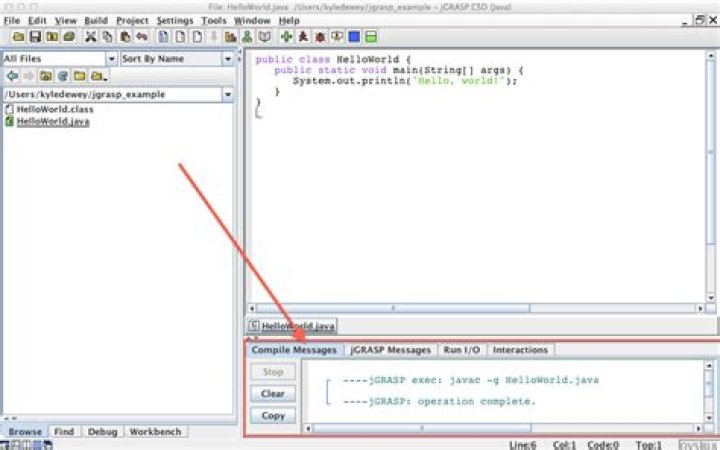
For now you can use Ctrl-plus and Ctrl-minus to scale everything. For a single editing window you'll need to go to "Settings" > "CSD Window Settings" > "File" and the "Font Size" tab.
Zoom using Ctrl-wheel and trackpad pinch will be in our next release. There will probably be an alpha out in a few weeks.




