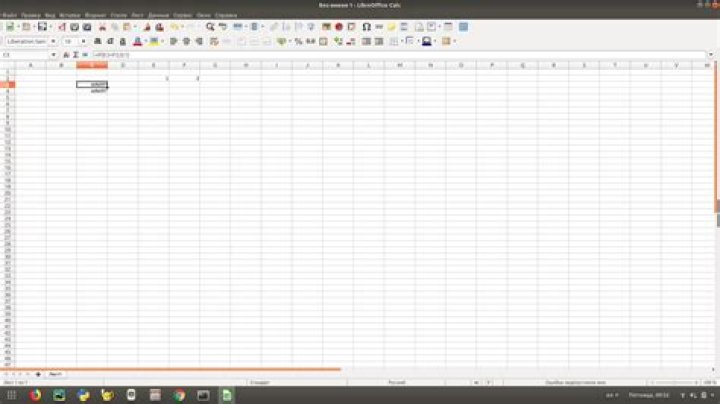
My LibreOffice Calc spreadsheet contains the following formula:
=IF(D8=0,'',C8*D8/B8) If B8, C8, and D8 all have values, then this works. But if they are empty it doesn't work, I get a #NAME? error code.
In this particular case, all I want is a version of the formula that works for empty and full input cells (I think you can see the intent), but I would also like, in the general case, to interrogate LibreOffice and ask it which part of the formula contains an invalid name reference.
Can I do this?
1 Answer
Part 1: Formula that works for empty cells
Use double quotes: =IF(D8=0,"",C8*D8/B8)
A text string in LibreOffice Calc (and Microsoft Excel) is specified with double quotes. The #NAME? error in your formula is from trying to display '' which is an invalid identifier or value.
- The formula
=''results in a#NAME?error. - The formula
=""displays a blank cell.
Part 2: Determine Invalid Part Of Formula
Click the Function Wizard icon ( ) to open the Function Wizard for the cell.
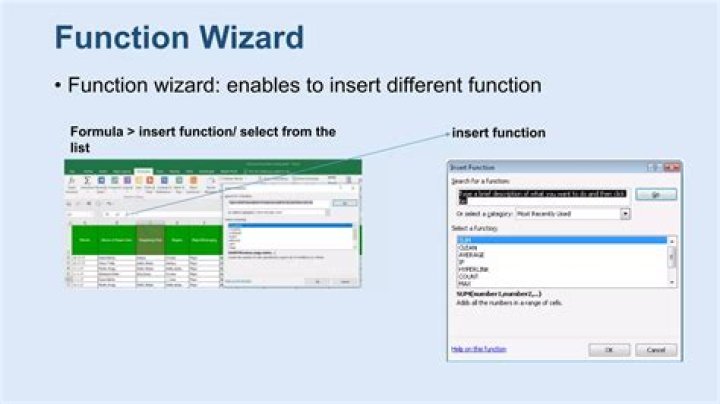
In this case, the error is indicated by the red circle on the '' line.




