I tried using root and the absolute path, but got the same error. I also tried changing the ownership of the folder manually to my username, which also resulted in a "too many levels of symbolic links" error message.
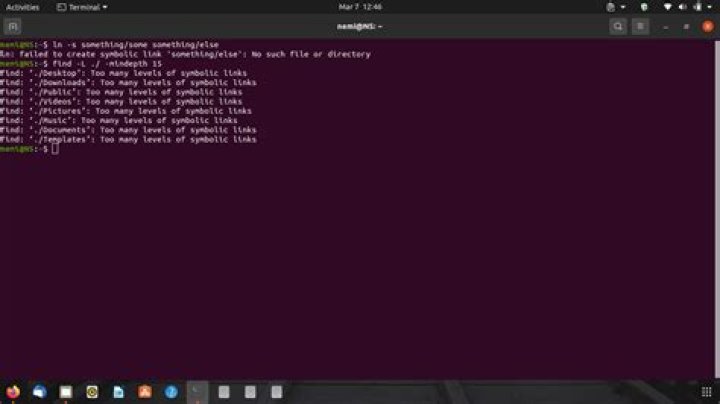
I did a little digging to see if there were any problems using find -L ./ -mindepth 15 in my home directory. That gave me this output:
find: ‘./Documents’: Too many levels of symbolic links find: ‘./Templates’: Too many levels of symbolic links find: ‘./Public’: Too many levels of symbolic links